Merchant¶
Source PDF page(s): 21 (of raw/specs/MMS features v2.5.pdf)
User Guide section: §2.3 (of raw/specs/MMS_UserGuide_v2.5.0.0.docx)
Summary: Manage merchant profiles — create and maintain merchant records, assign employees and devices, manage address details, and activate or deactivate accounts.
Status: shipped
Why¶
Merchants represent the businesses operating payment terminals. Device assignments, base templates, and operational metrics are all scoped to merchants. See ../specs/mms-features-v2.5 §4 and ../specs/mms-userguide-v2.5 §2.3.
What¶
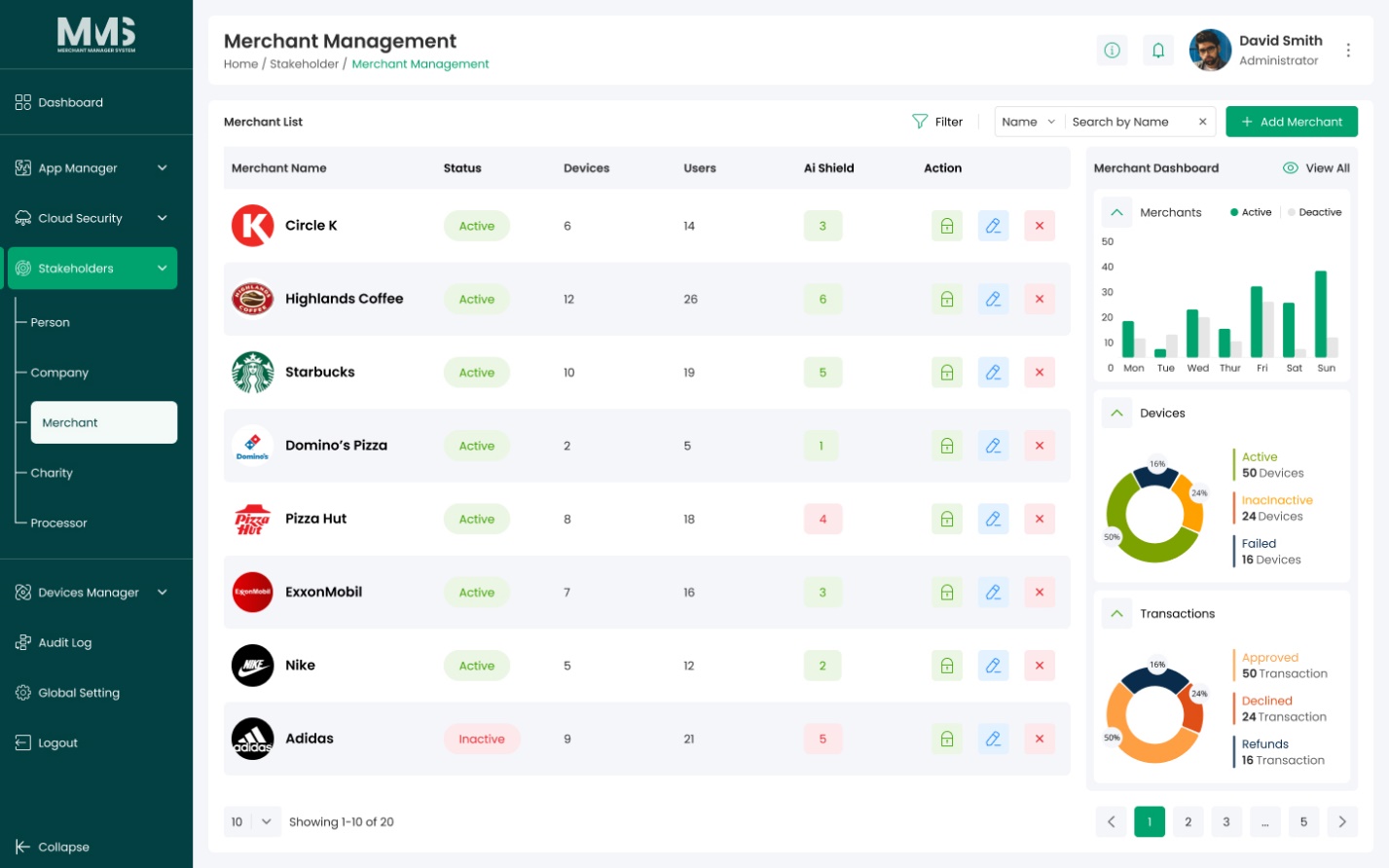
- Centralized merchant list with search and filter.
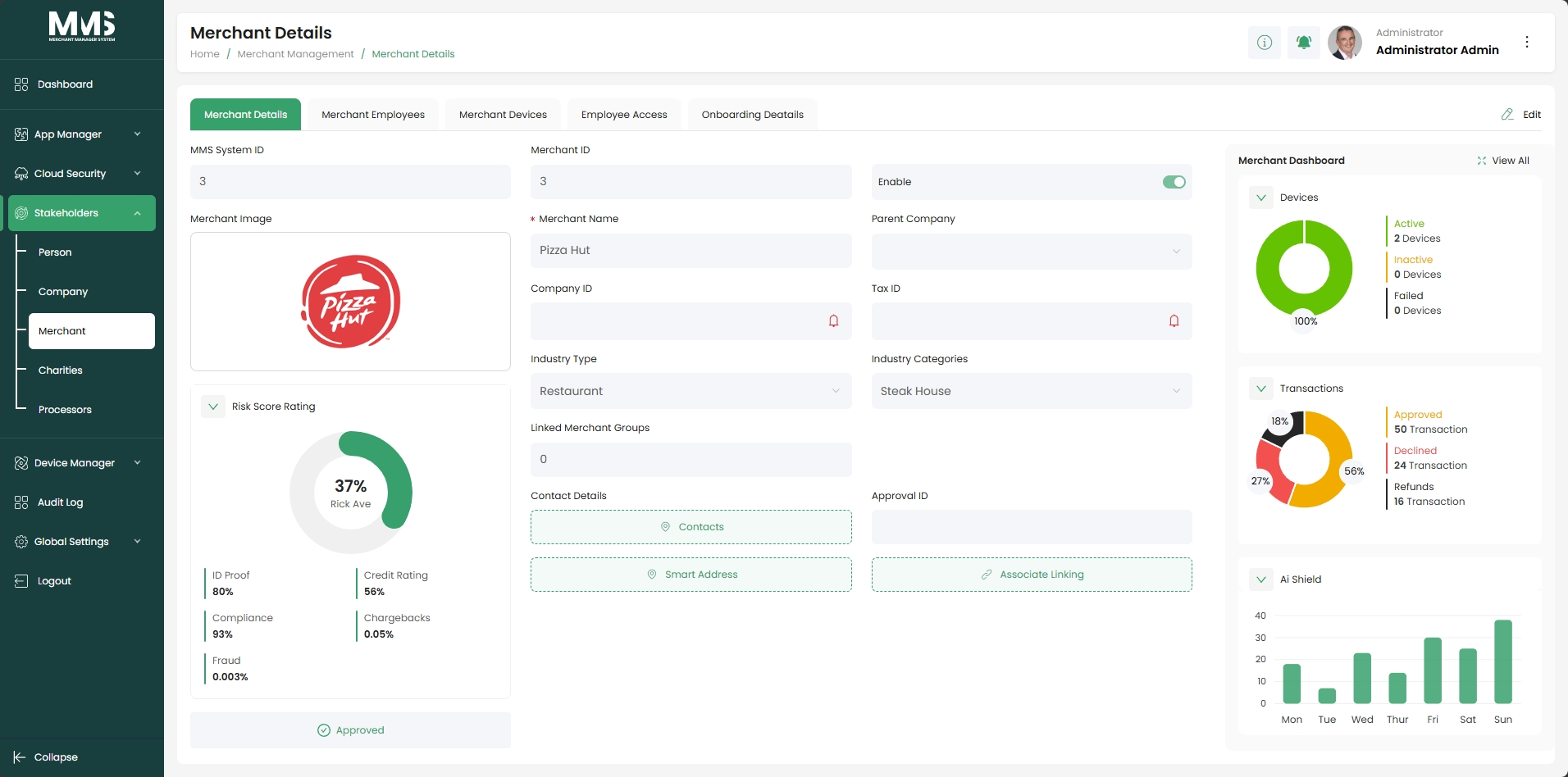
- Create, update, maintain merchant profiles (name, status, and other details).
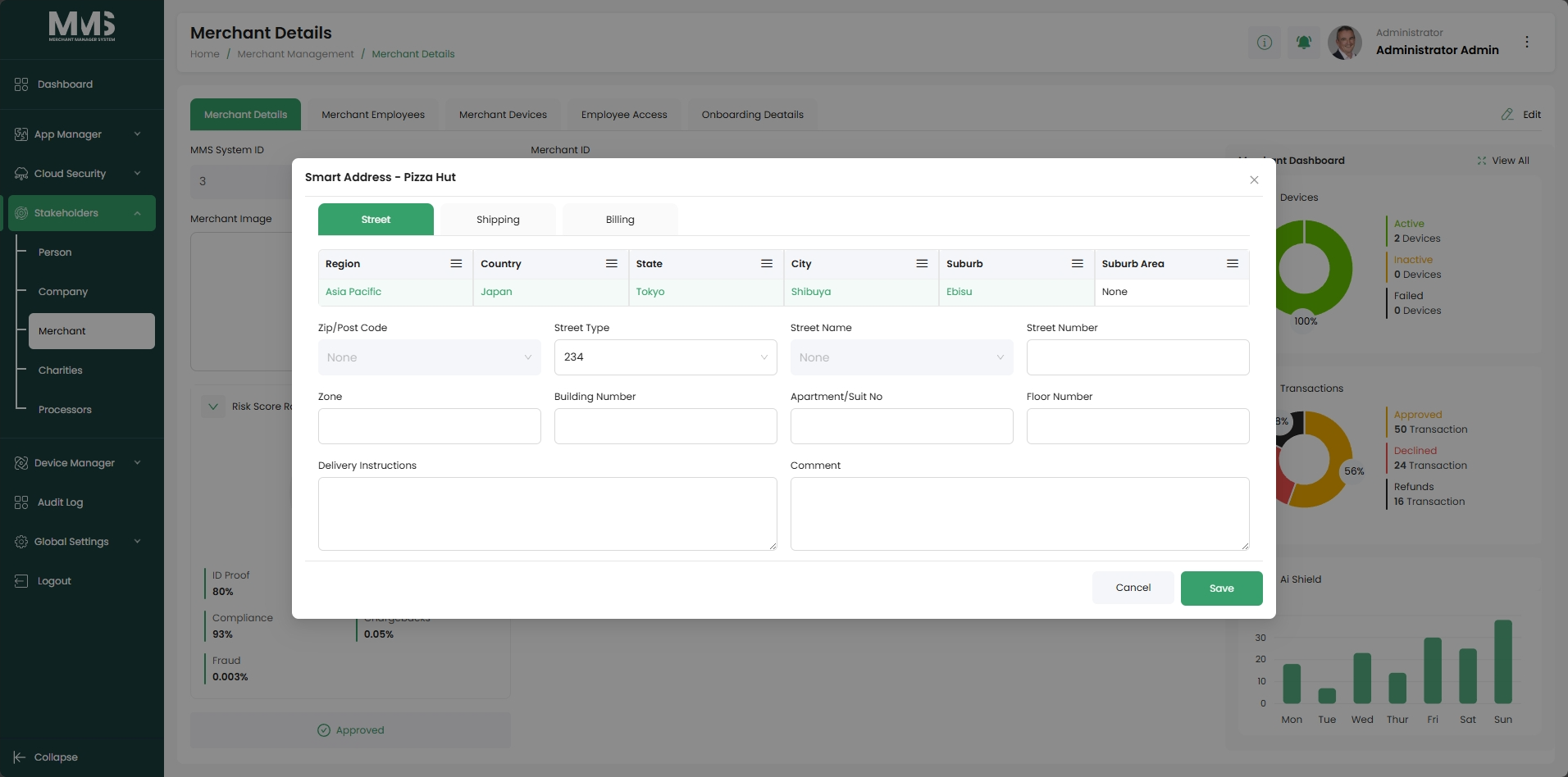
- Smart Address: set up street, shipping, and billing address per merchant.
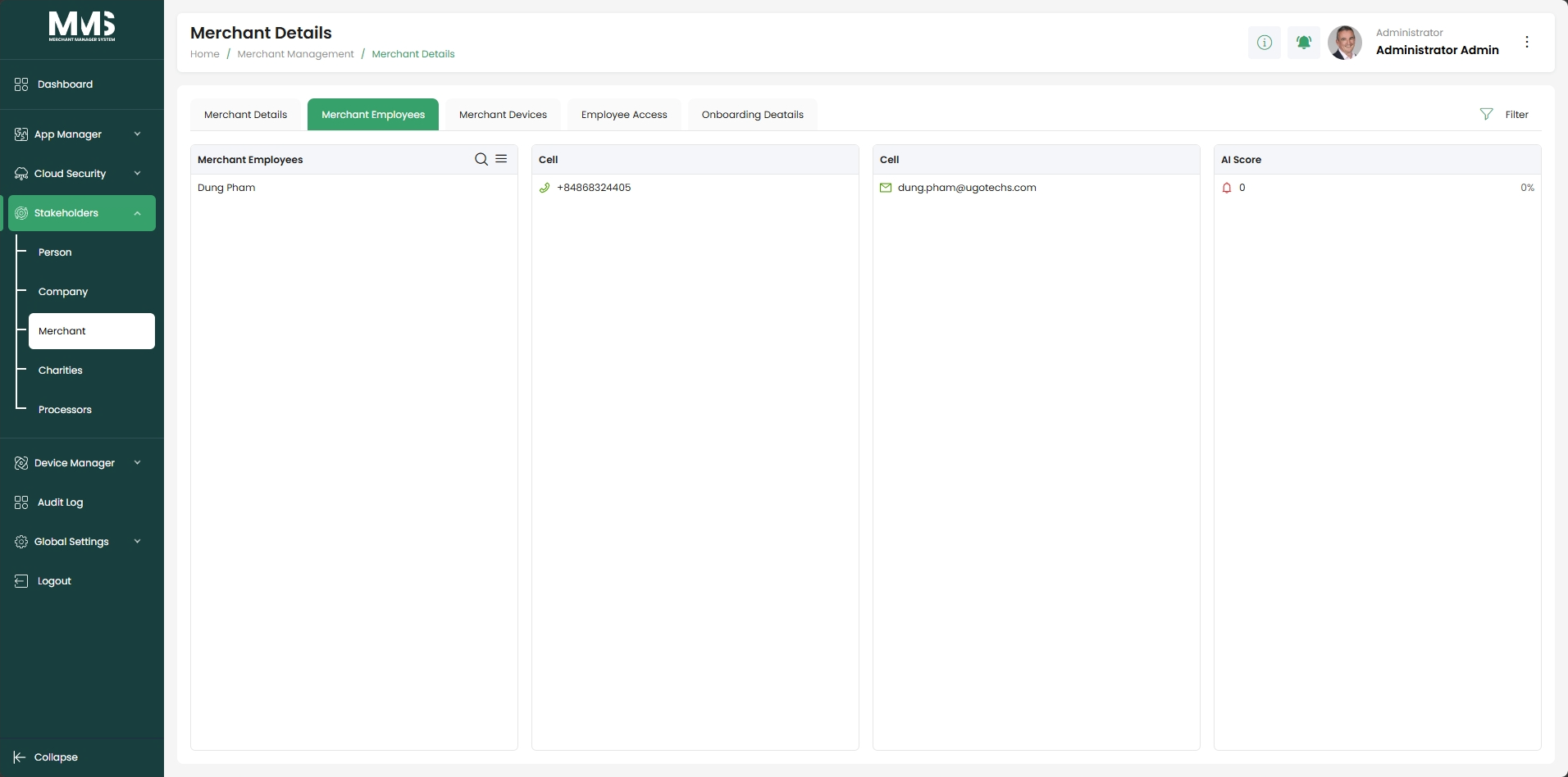
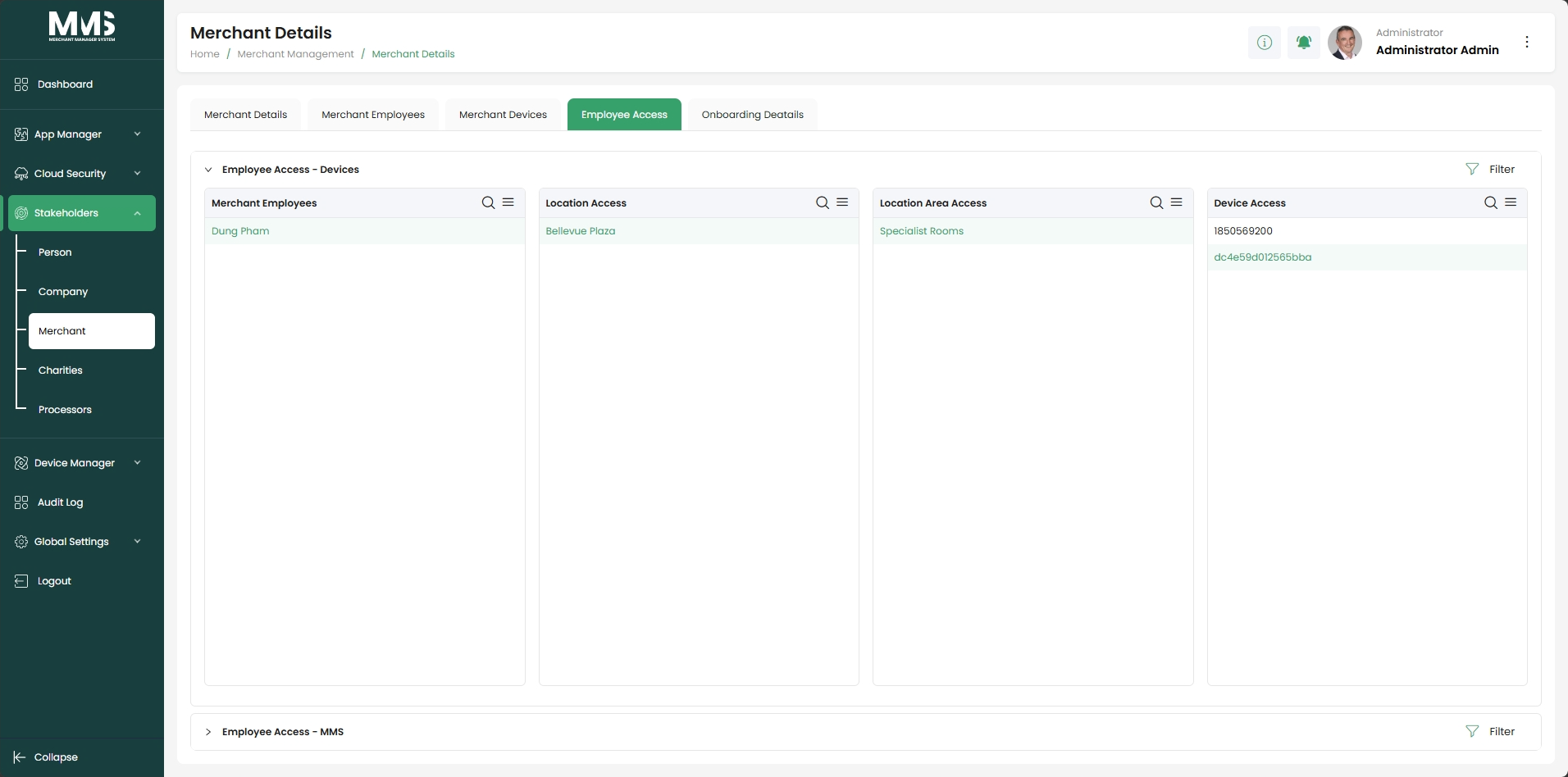
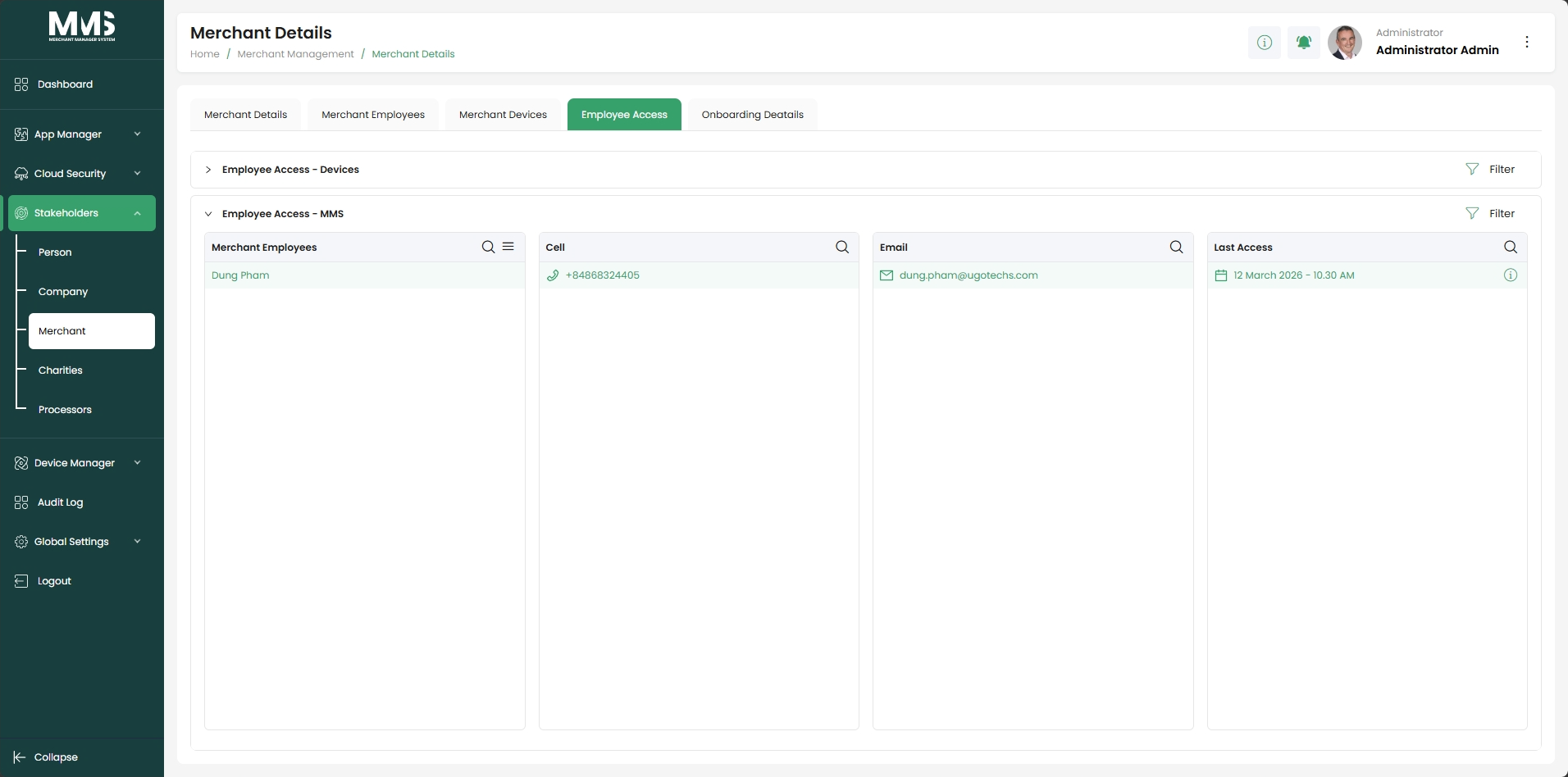
- Merchant Employees tab: assign users (persons) to the merchant.
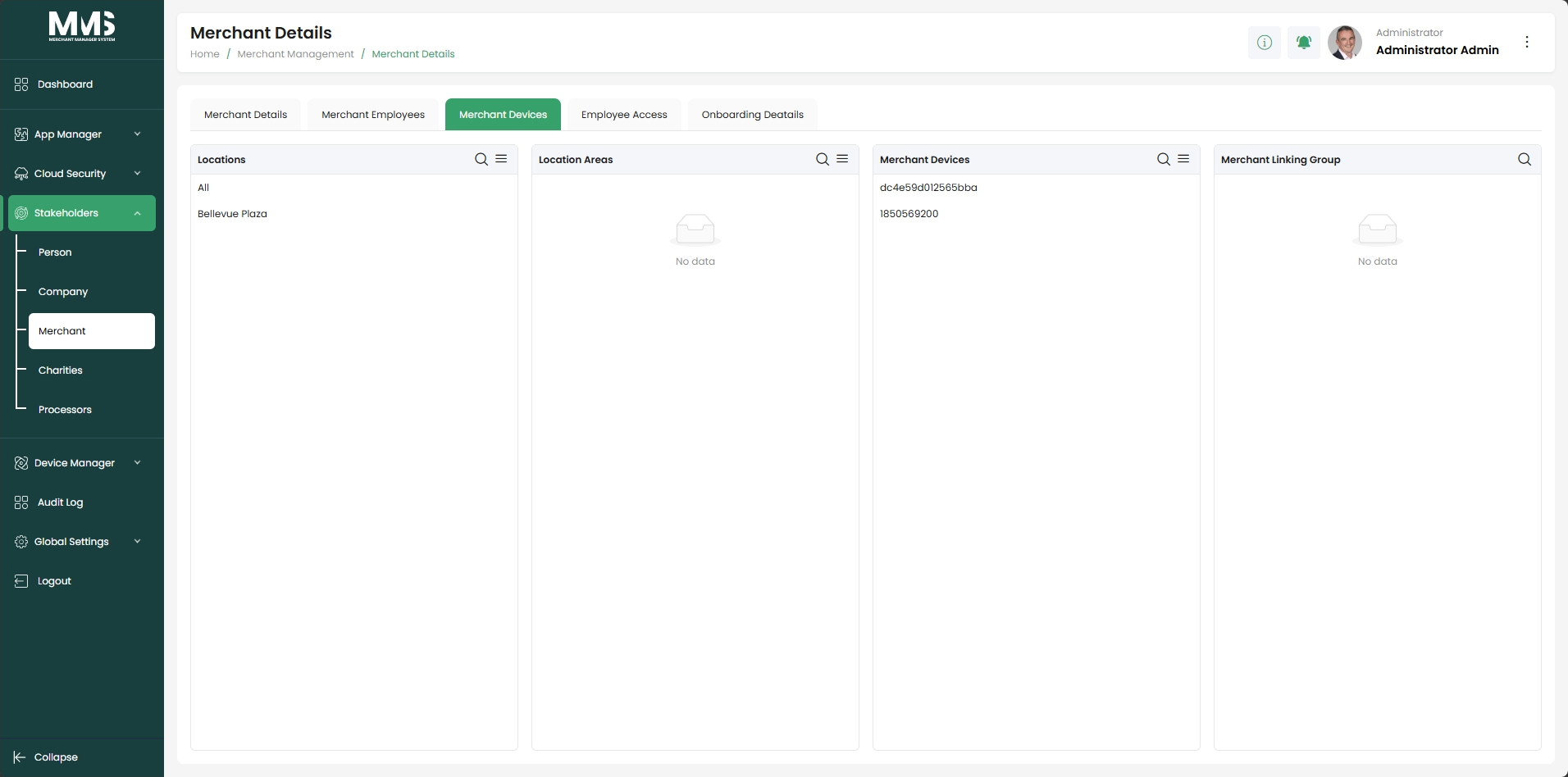
- Merchant Devices tab: view or assign devices associated with the merchant.
- Activate or deactivate merchant accounts.
- Operational metrics: assigned devices, associated users, AI-enabled feature status.
- Visual insights: merchant activity overview, device distribution, transaction statistics.
Steps¶
Create a merchant¶
- Navigate to the Merchant Management page.
- Click Add Merchant.
- In the Merchant Details tab:
- Enter merchant profile information (name, status, and other details).
- Click the Smart Address button to configure address information:
- Street address
- Shipping address
- Billing address
- In the Merchant Employees tab: assign users (persons) to the merchant.
- In the Merchant Devices tab: view or assign associated devices.
- Click Save.
Update or manage an existing merchant¶
- Use search or filter to find the merchant in the list.
- Select the merchant to open its details.
- Update information in each tab as needed:
- Merchant Details: edit profile and address info.
- Merchant Employees: add or remove assigned users.
- Merchant Devices: manage associated devices.
- Activate or deactivate the merchant to control account status.
Linked pages¶
- stakeholders — parent overview page
- ../specs/mms-userguide-v2.5 — User Guide §2.3
- ../specs/mms-features-v2.5 — Features doc §4
- stakeholders-person — persons assigned to merchants
- device-manager — device assignment to merchants
- global-setup — Industry Categories classify merchants
- app-manager — base templates applied to merchants
Screenshots¶
Status history¶
- 2026-05-27 — capabilities ingested from features doc v2.5 (Merchant "Completed") → shipped
- 2026-06-03 — step-by-step user guide added from
raw/specs/MMS_UserGuide_v2.5.0.0.docx§2.3; page split fromstakeholders.md