Device Setup¶
Source PDF page(s): 37–48 (of raw/specs/MMS features v2.5.pdf)
User Guide section: §3.2.6 (of raw/specs/MMS_UserGuide_v2.5.0.0.docx)
Summary: Per-device configuration workspace — an 8-tab interface for managing a device's apps, firmware, templates, location, backups, logs, and settings after it has been assigned.
Status: shipped
Why¶
Once a device is assigned, it needs to be configured for its operational context. Device Setup provides a single workspace for all per-device configuration and monitoring tasks. See ../specs/mms-features-v2.5 §5 and ../specs/mms-userguide-v2.5 §3.2.6.
What¶
Device Setup is accessed by selecting an assigned device in device-manager. It has 8 tabs:
| Tab | Purpose |
|---|---|
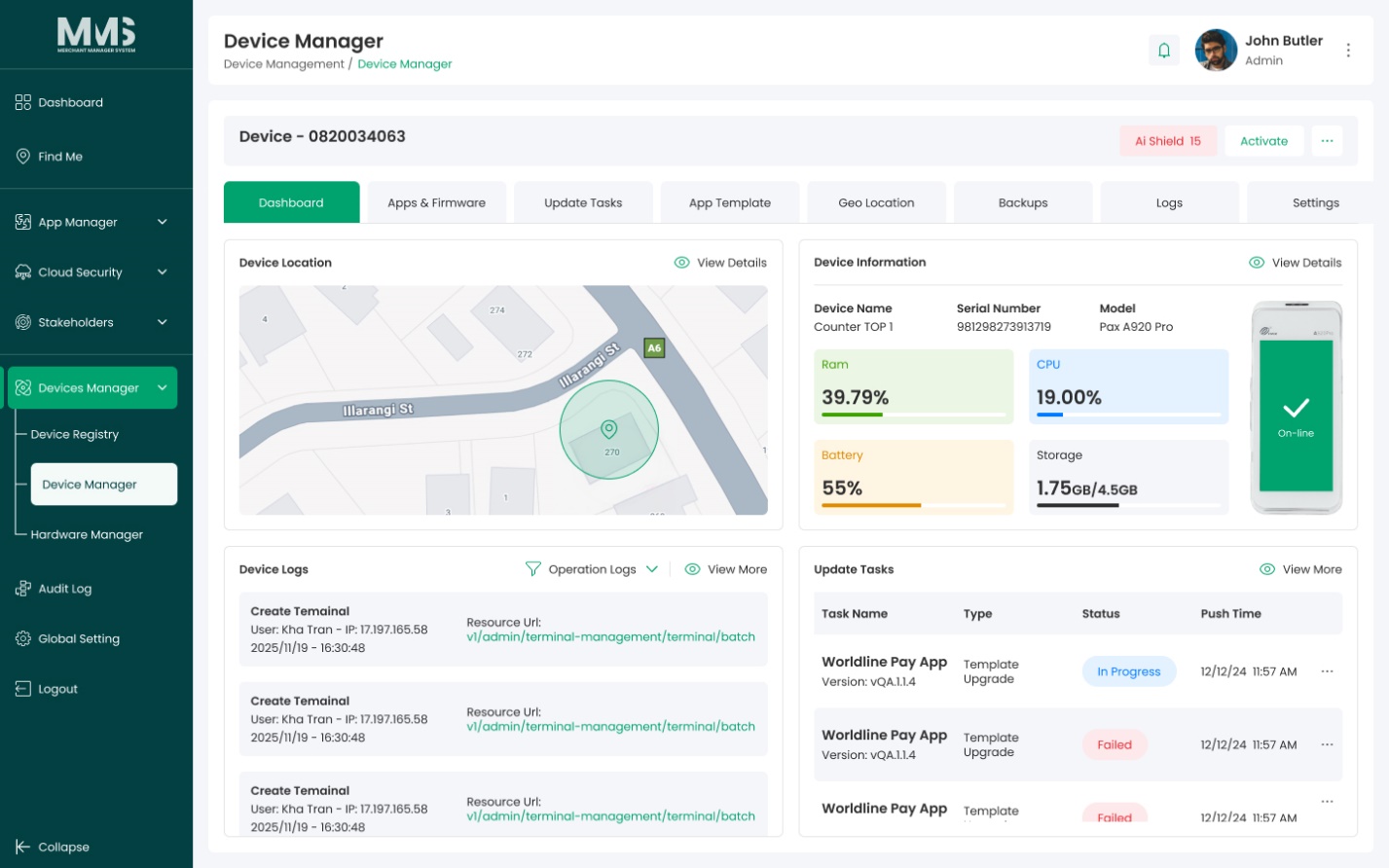
| Dashboard | Overview of device status, key information, and recent activities |
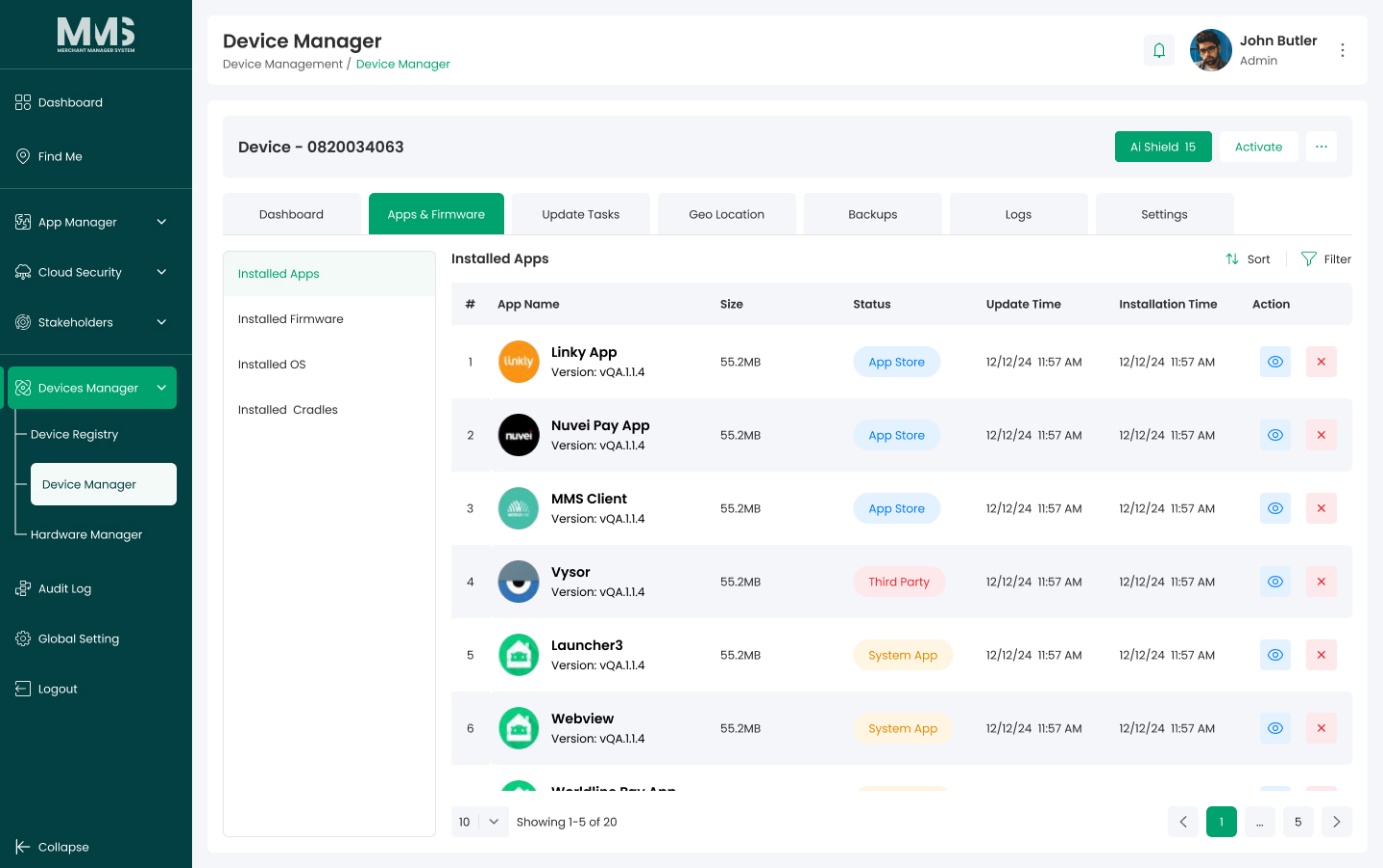
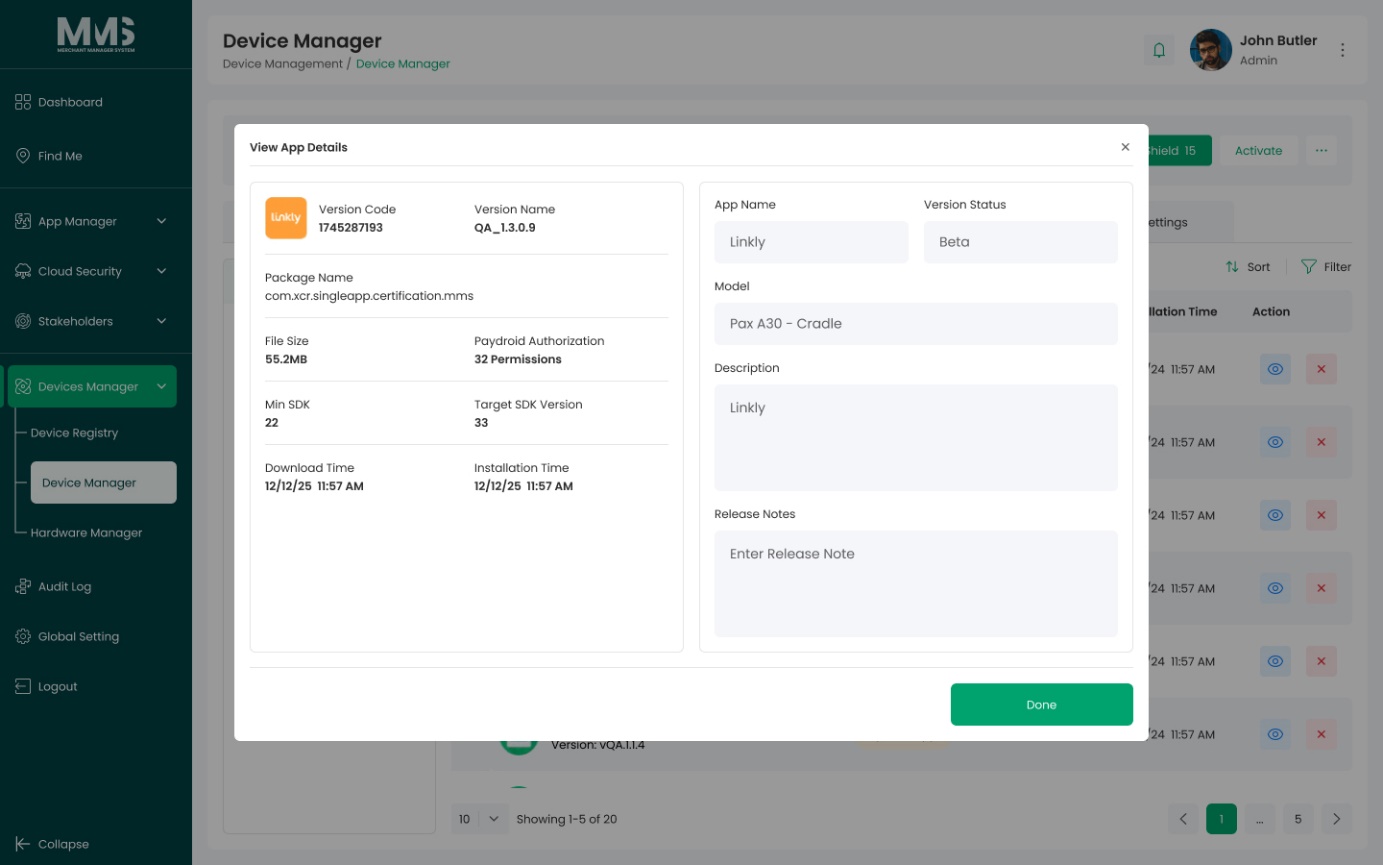
| App & Firmware | Manage application and firmware versions applied to the device |
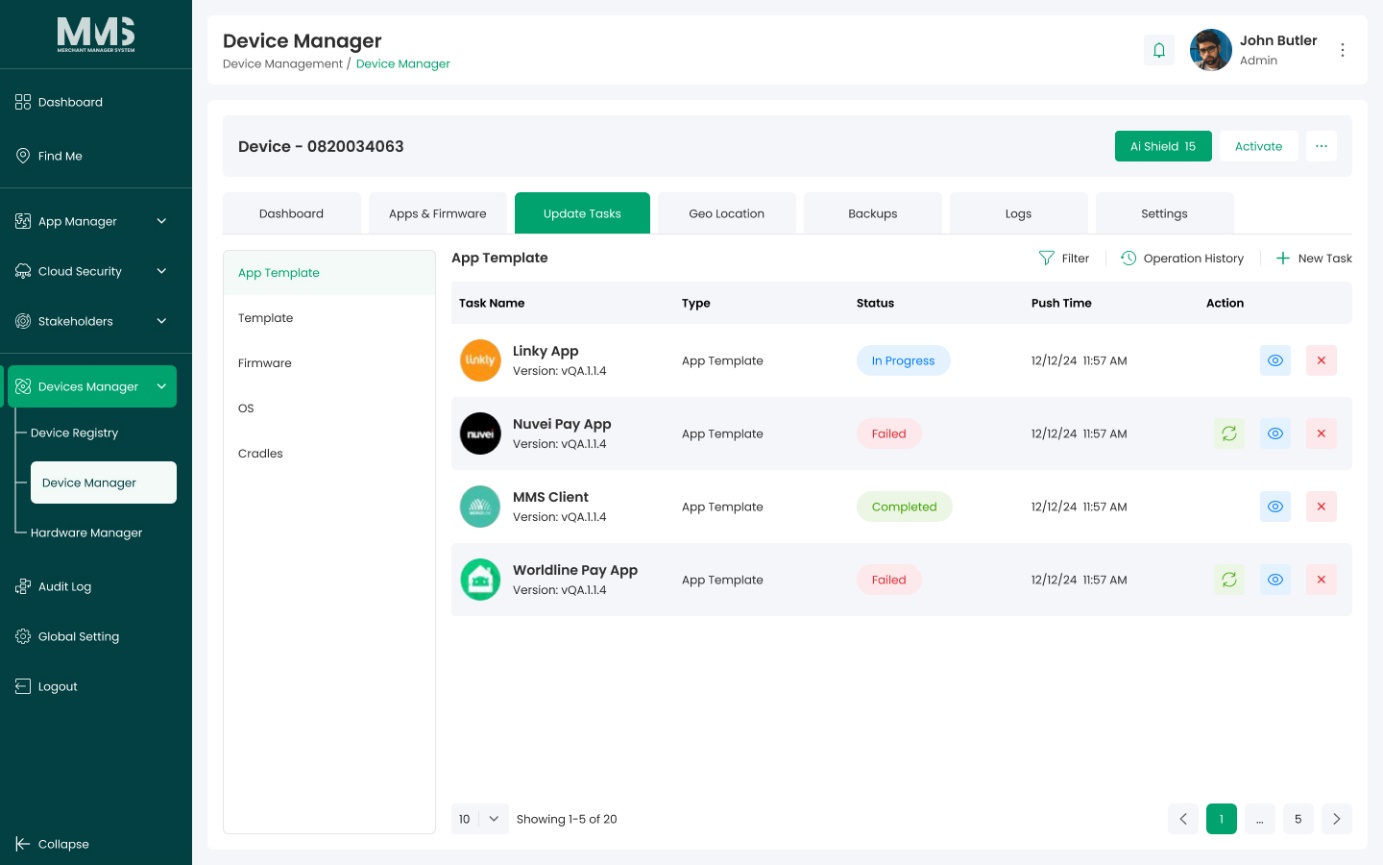
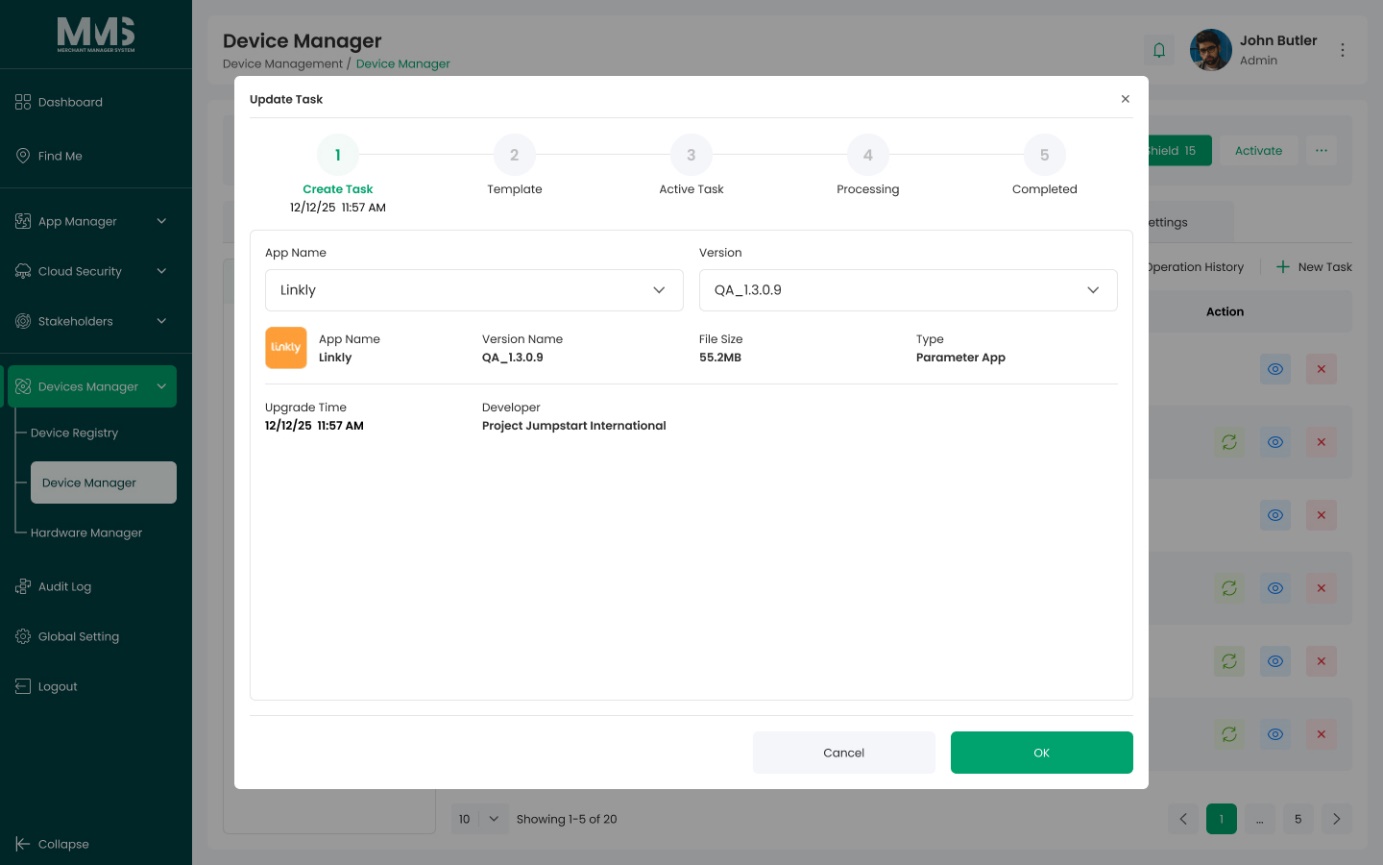
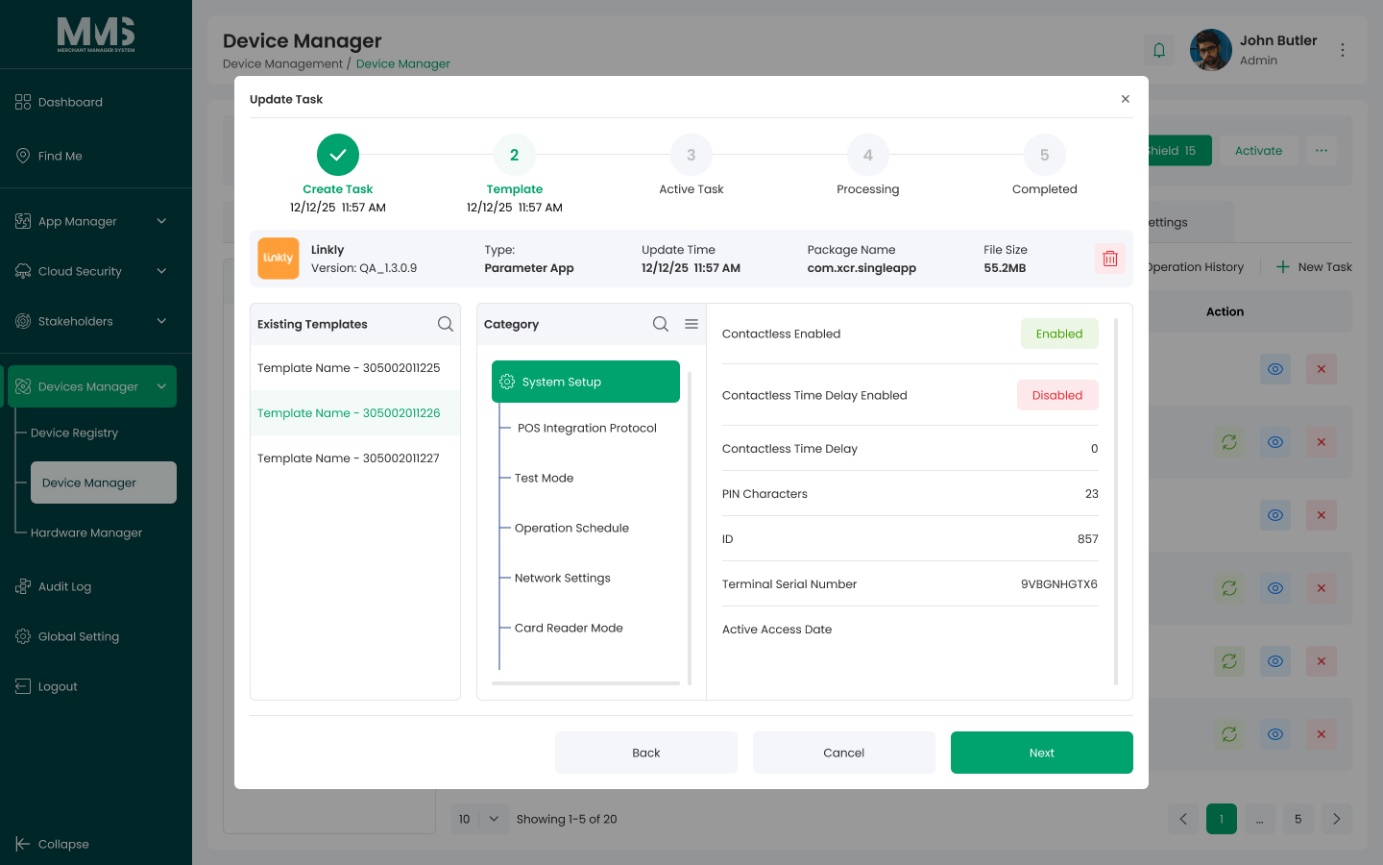
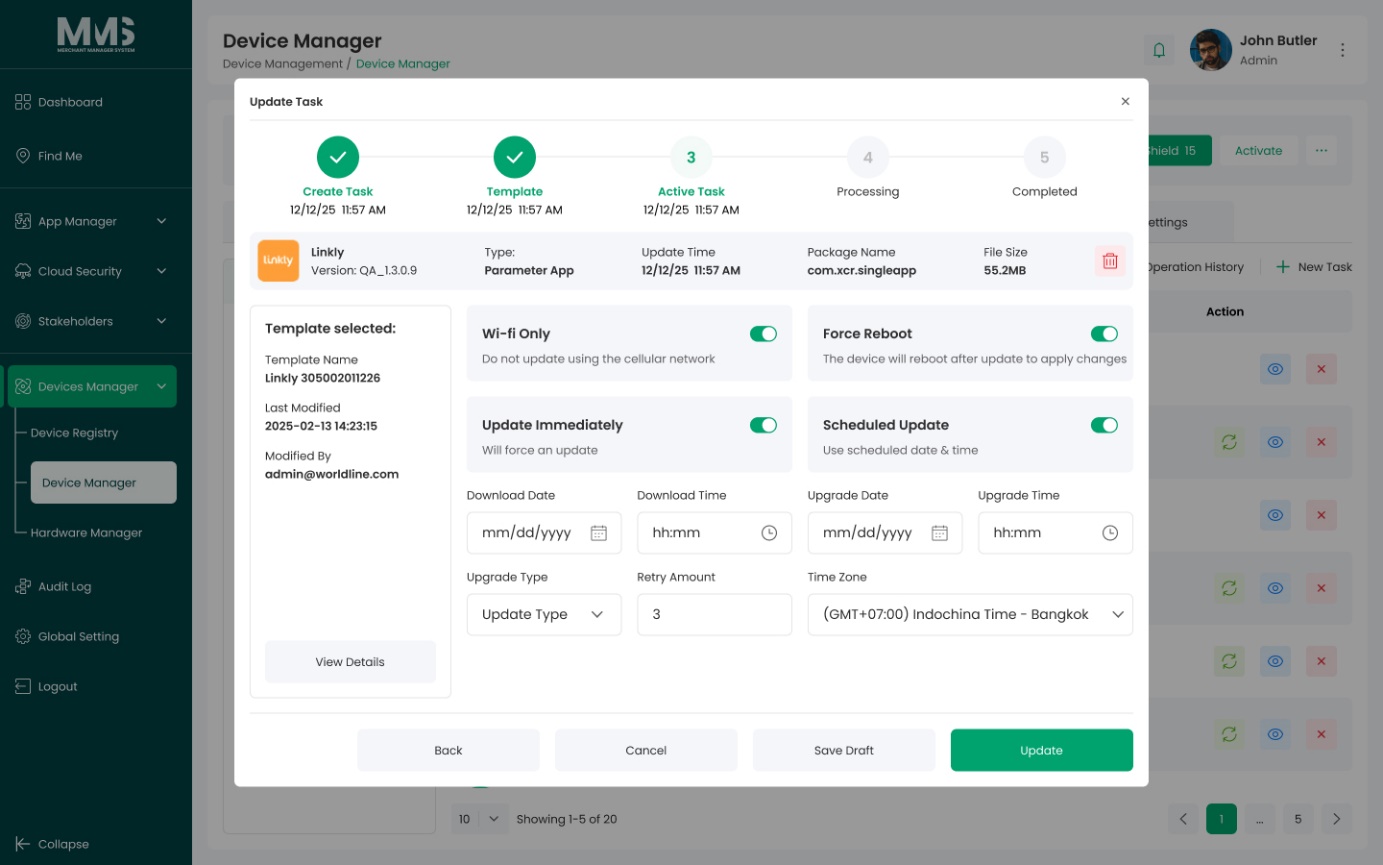
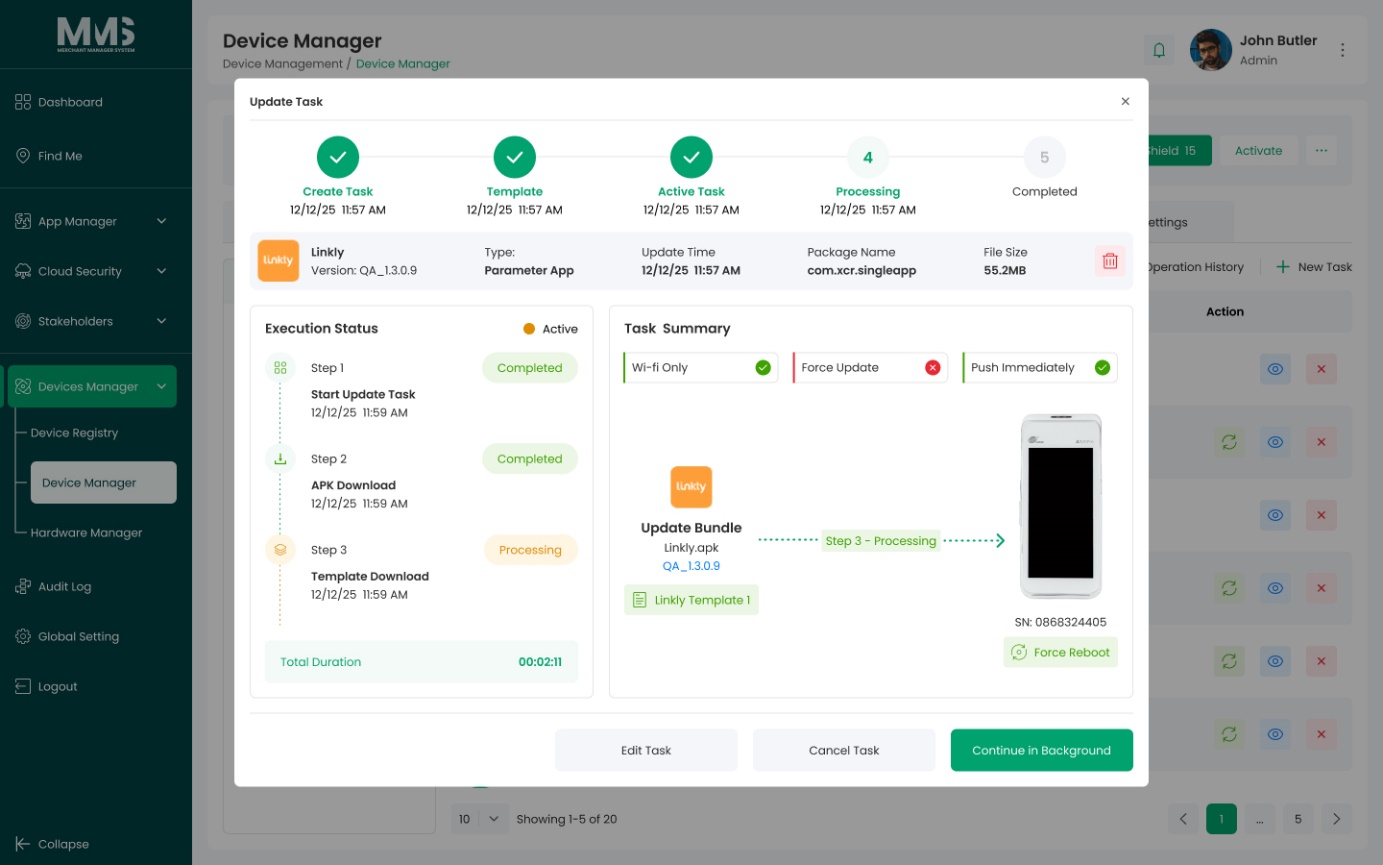
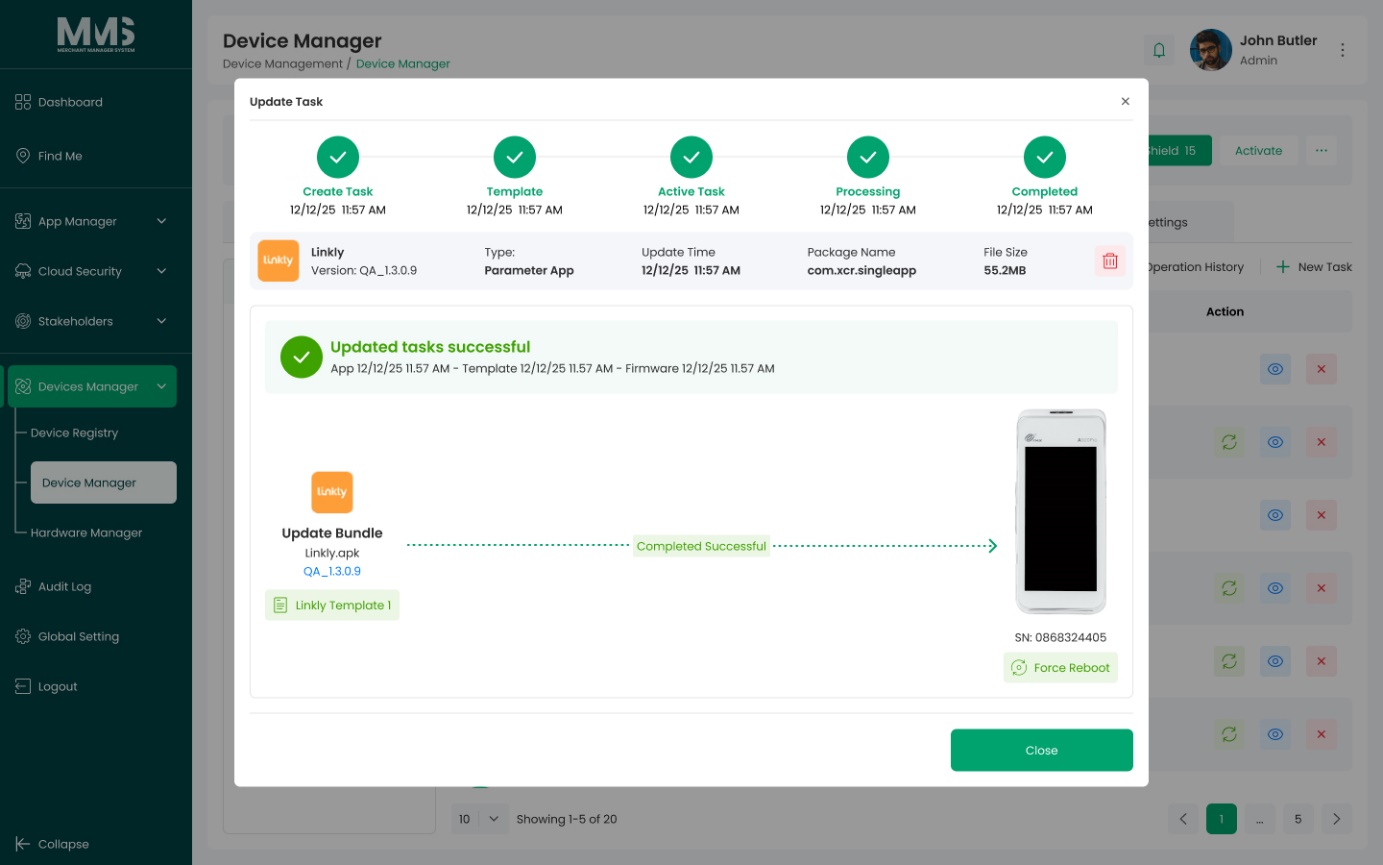
| Update Tasks | Schedule and monitor application and firmware update tasks |
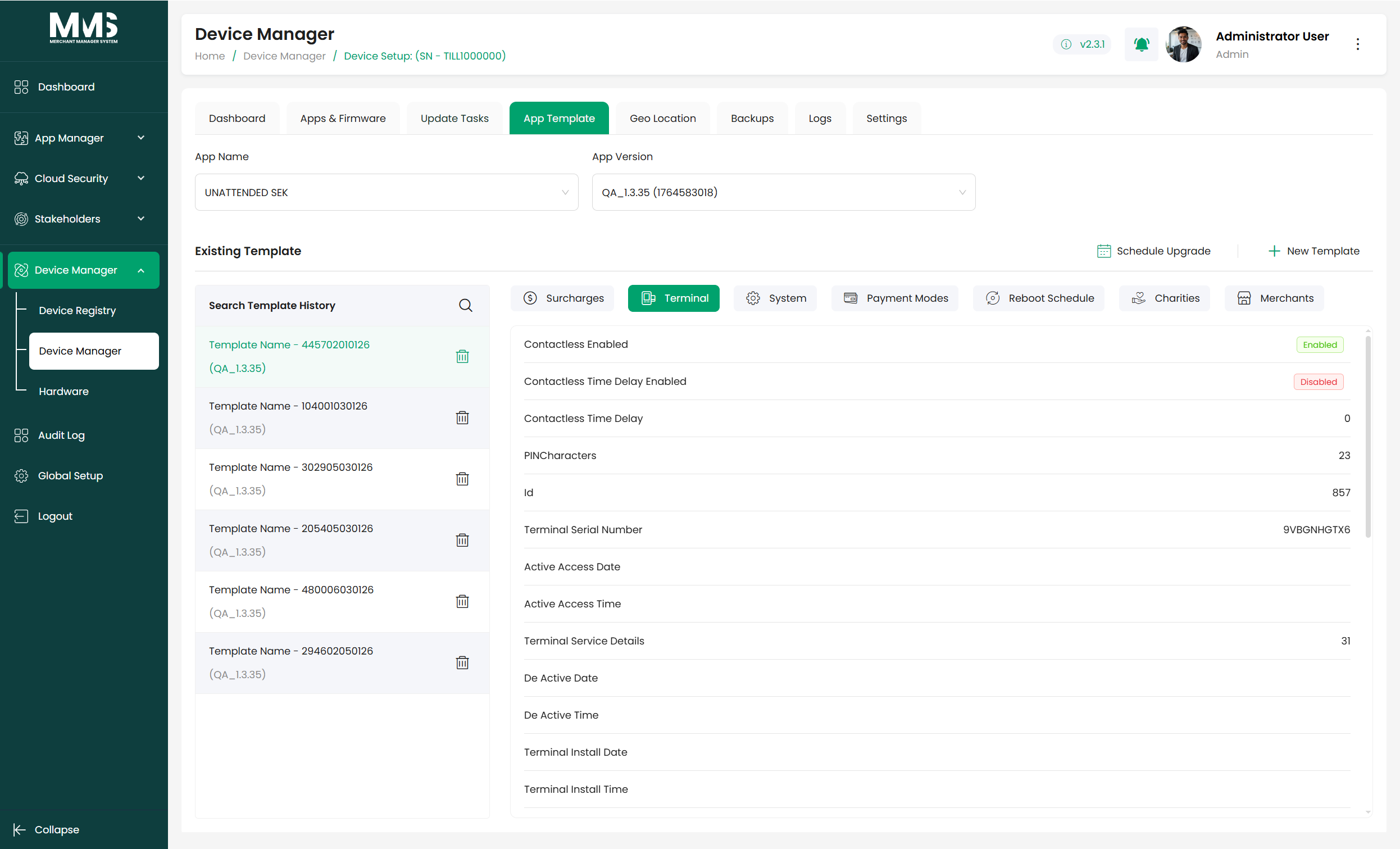
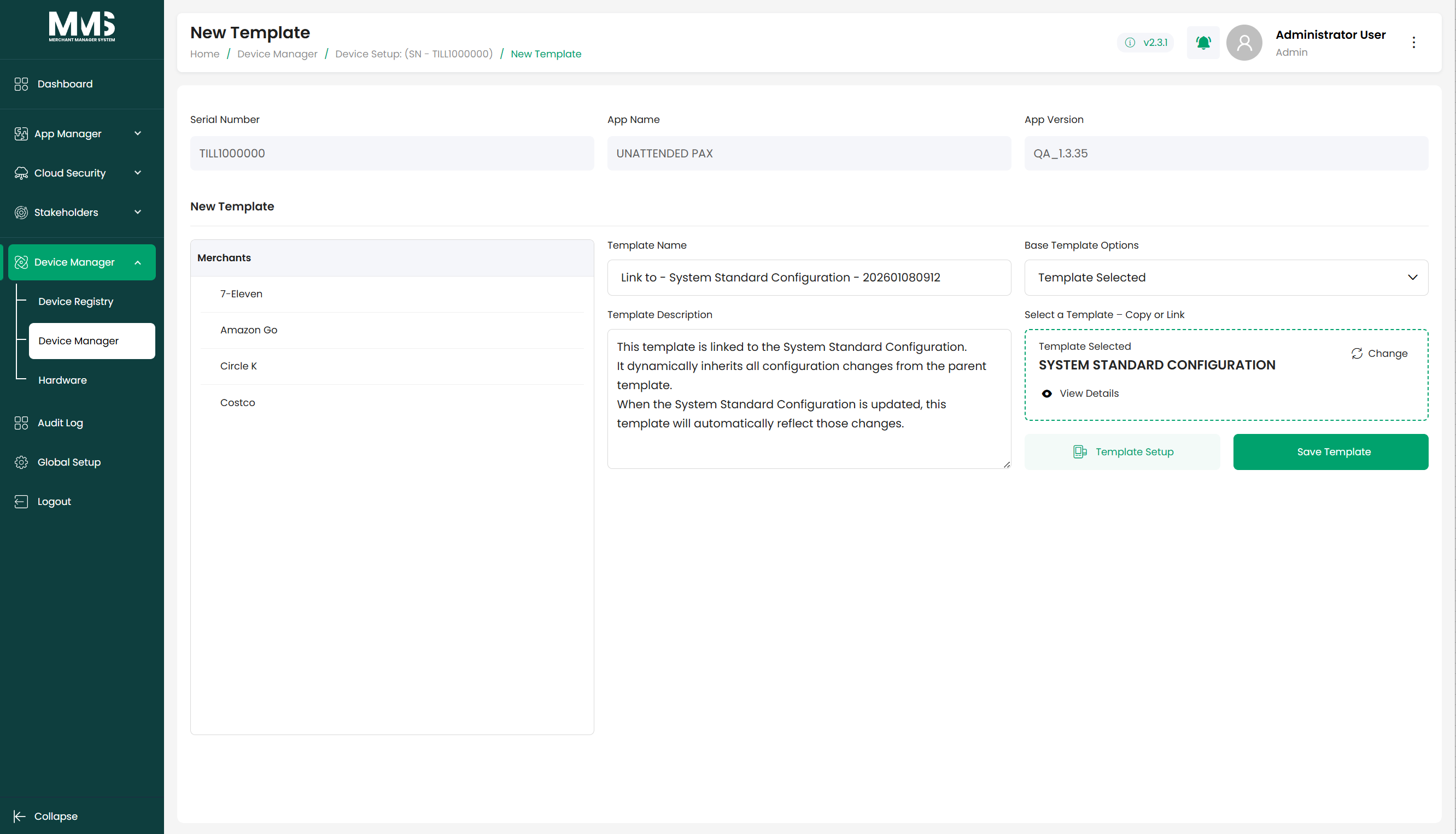
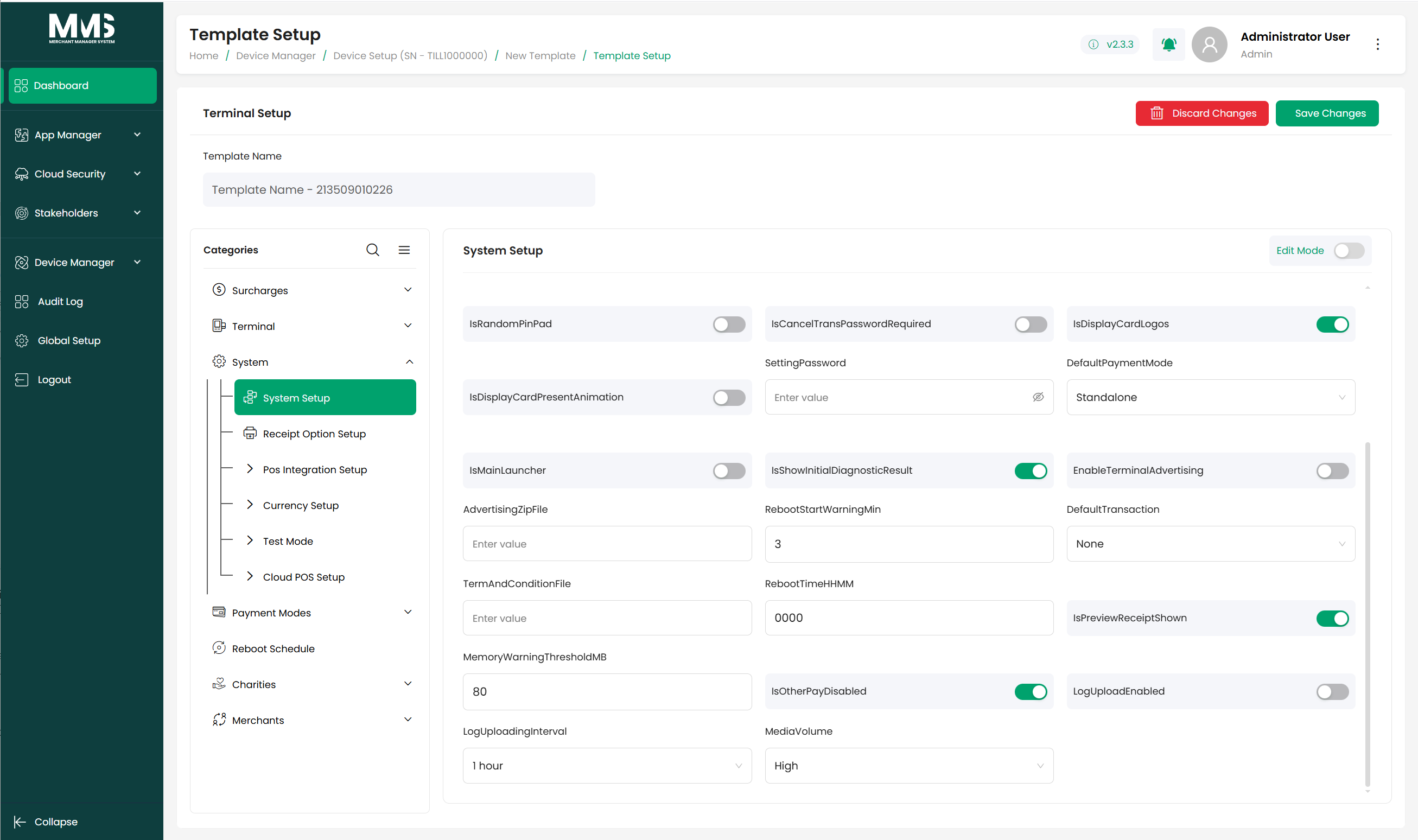
| App Templates | Apply configuration templates to standardize device setup |
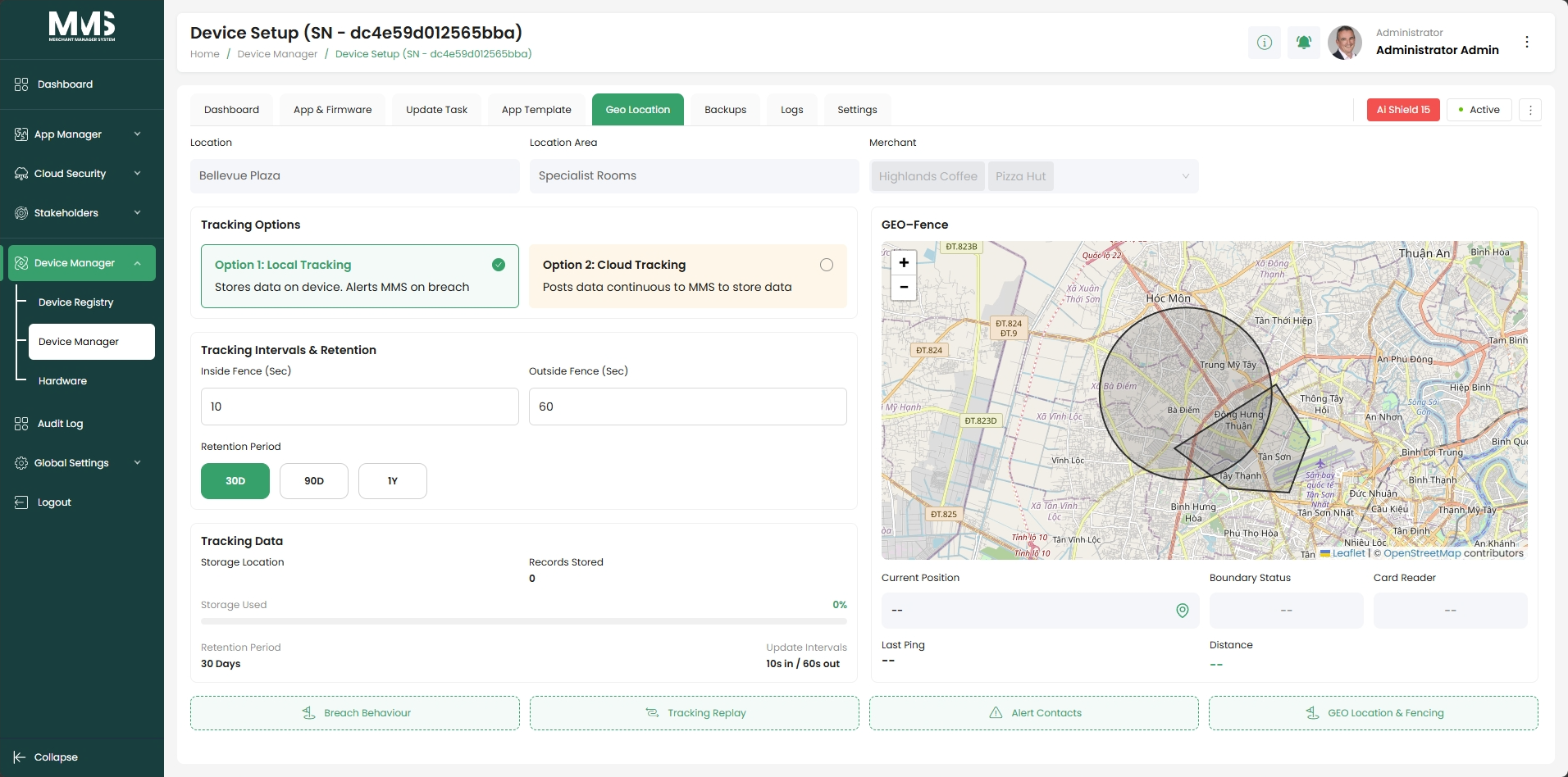
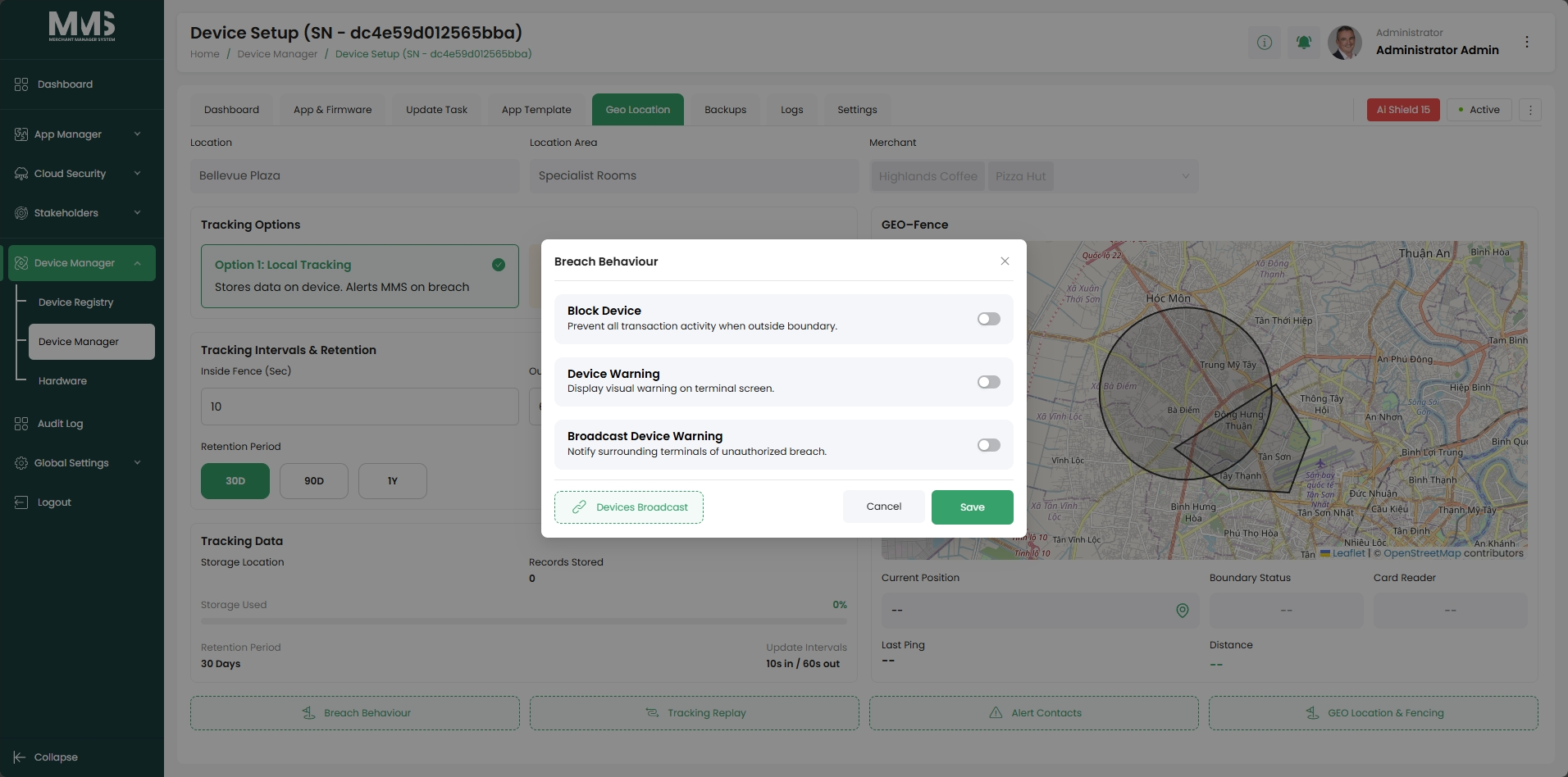
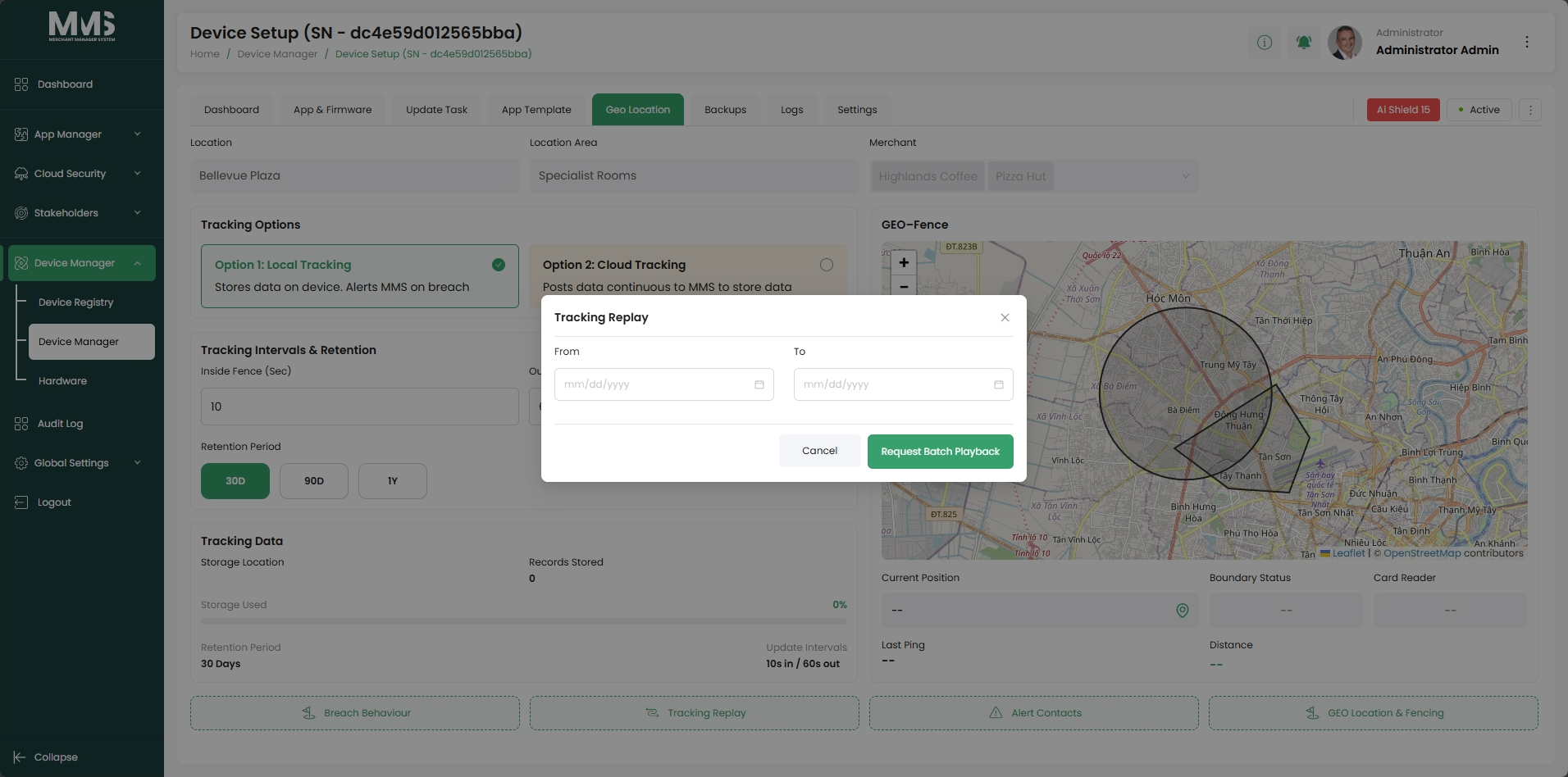
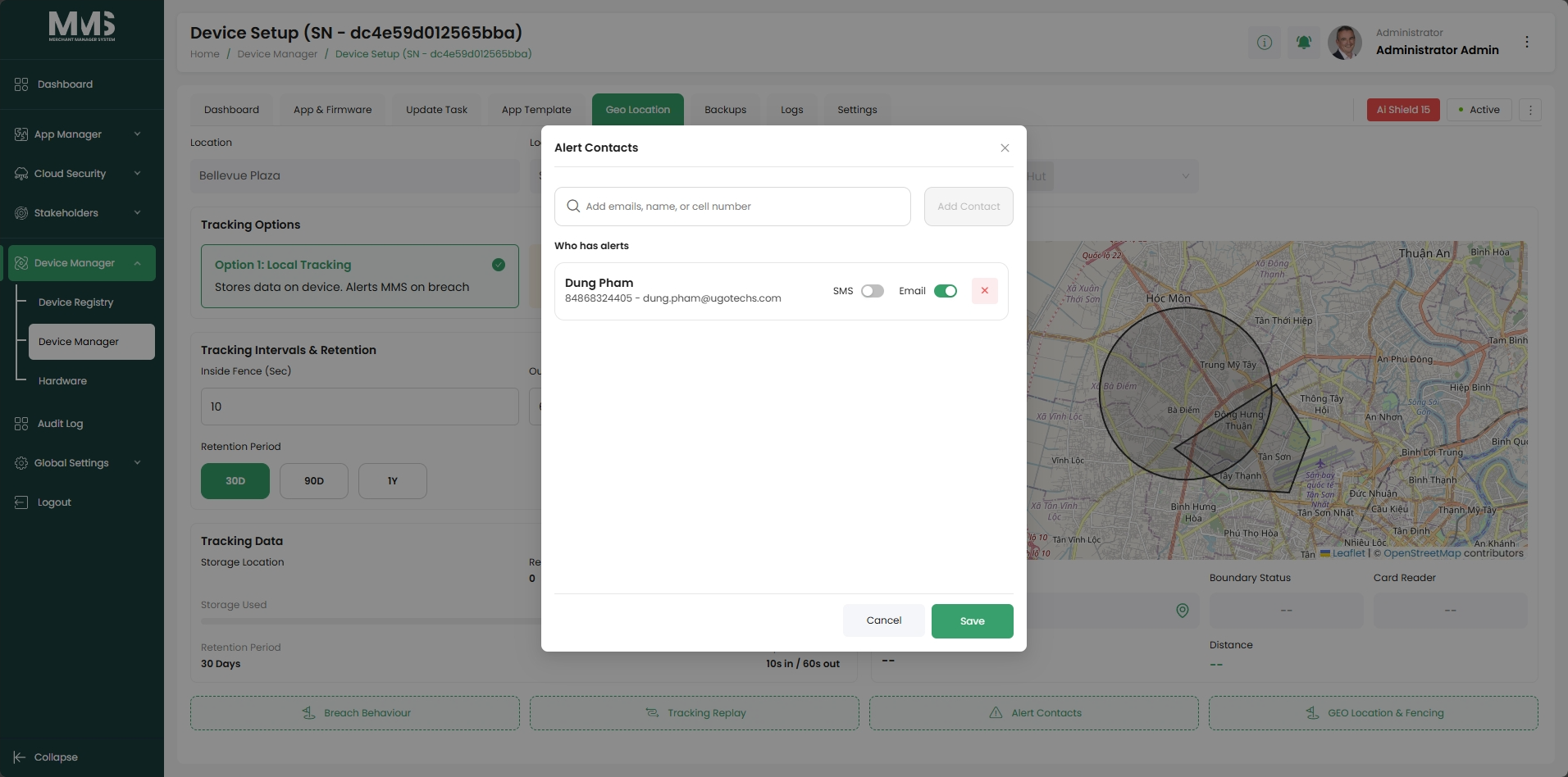
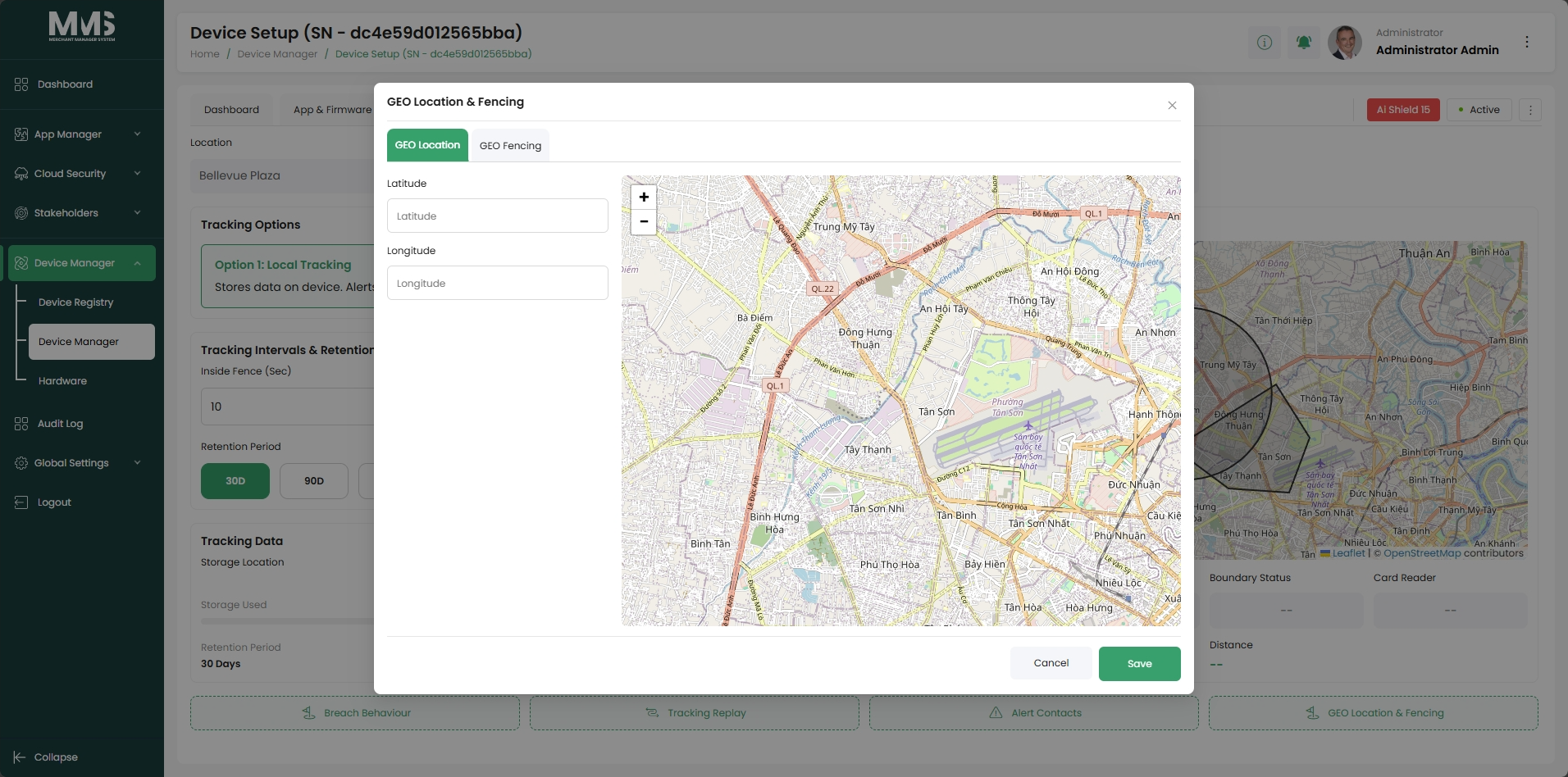
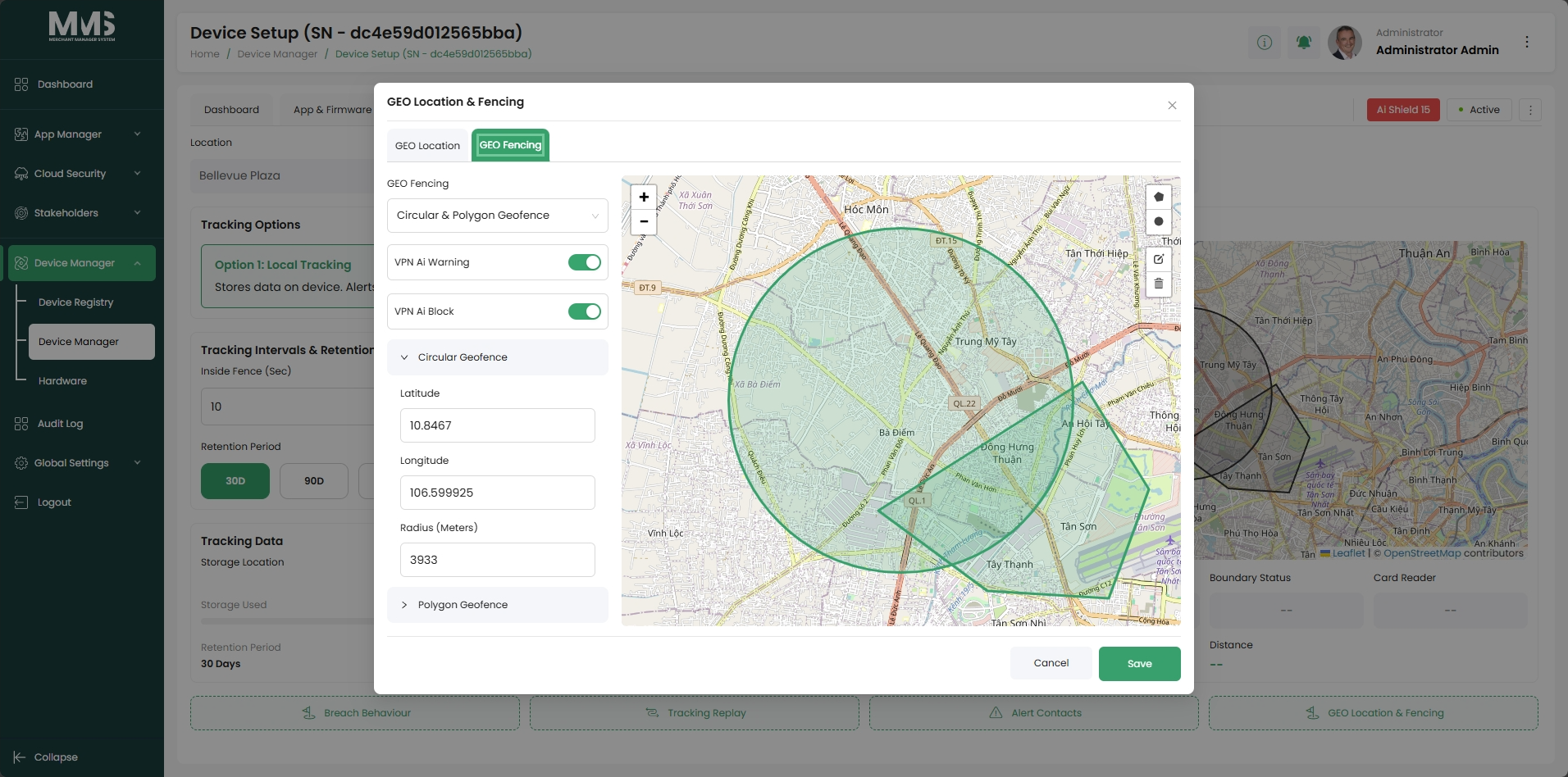
| Geo Location | Track and manage device location information |
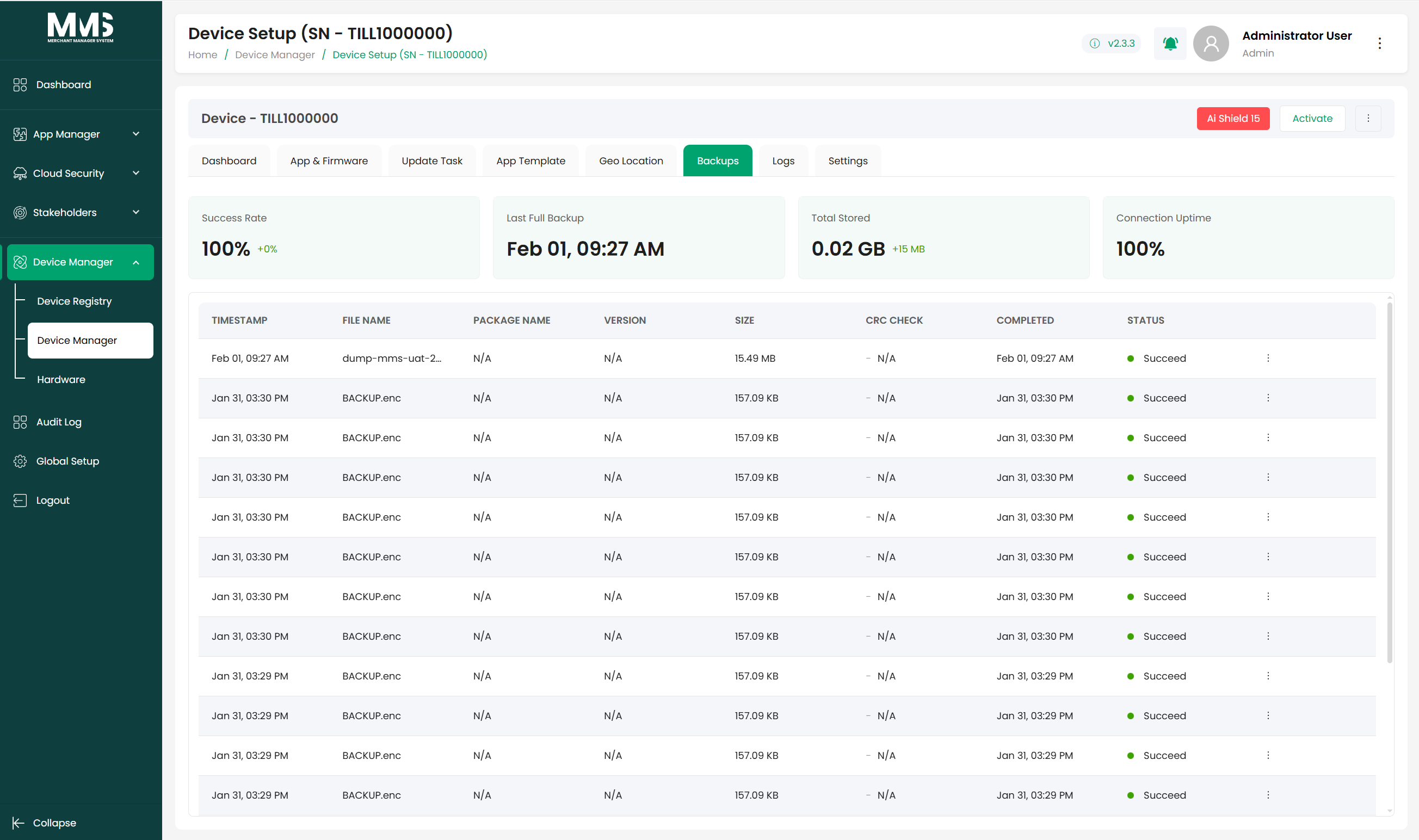
| Backups | Manage device configuration backups and restore points |
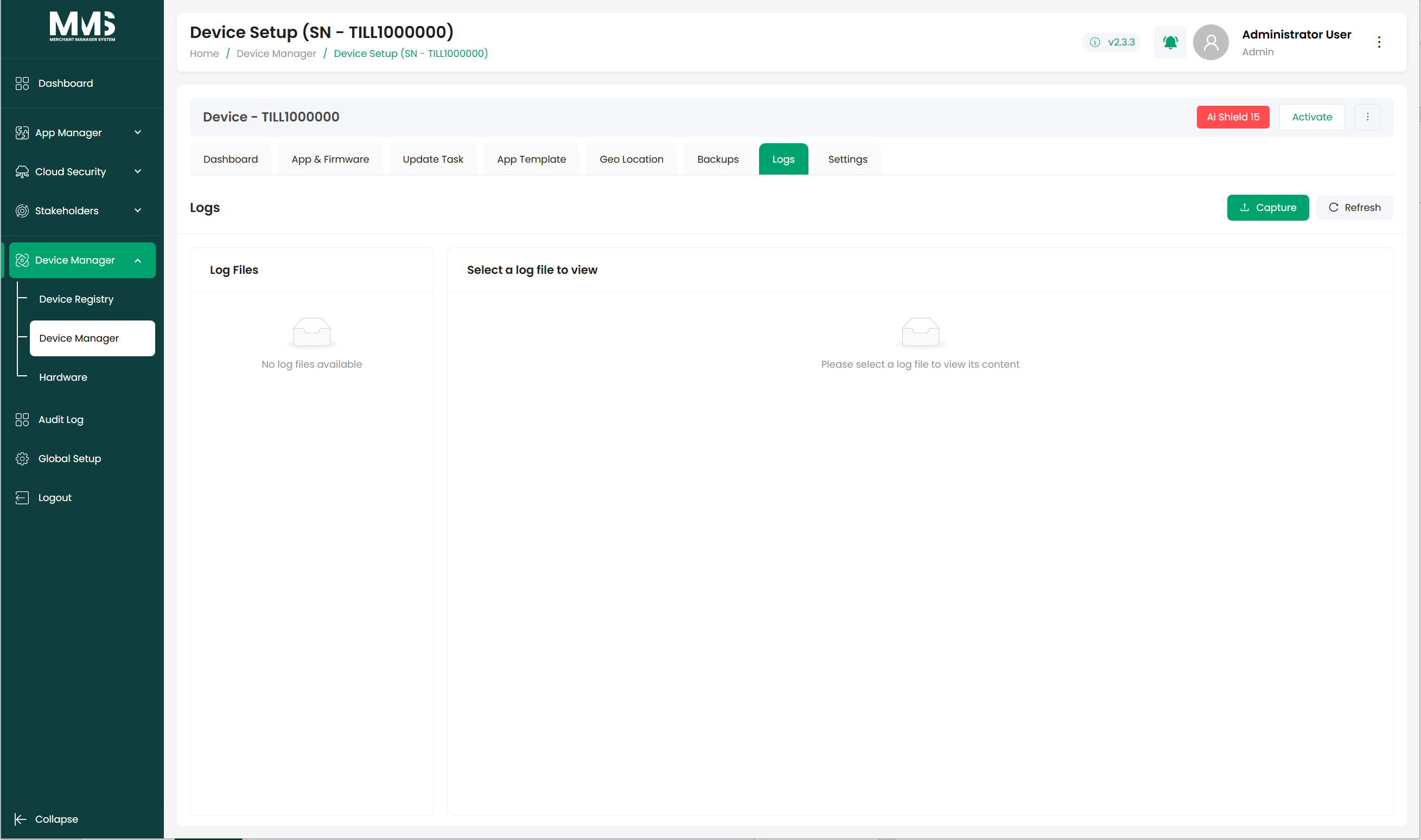
| Logs | View device activity and operational logs |
| Settings | Configure device-specific operational and system settings |
Tab details¶
Dashboard (p.37)¶
Provides a status overview — device health, key identifiers, and recent activity log for the device.
App & Firmware (p.38)¶
View and manage which app versions and firmware versions are currently installed on the device. Relates to app versions from app-manager.
Update Tasks (p.39)¶
Schedule and track tasks to push new app or firmware versions to the device. Tasks run on a defined schedule or on demand.
App Templates (p.42)¶
Apply a configuration template to the device. Templates are created in app-manager and define settings inherited from the base template.
Geo Location (p.45)¶
Track the device's physical location. Useful for distributed terminal fleets.
Backups (p.43)¶
Create and manage device configuration backups. Restore from a backup point if needed. Retention governed by the File Cleanup Settings in global-setup.
Logs (p.44)¶
View the device's operational and activity logs. Distinct from system-level audit logs in audit-log.
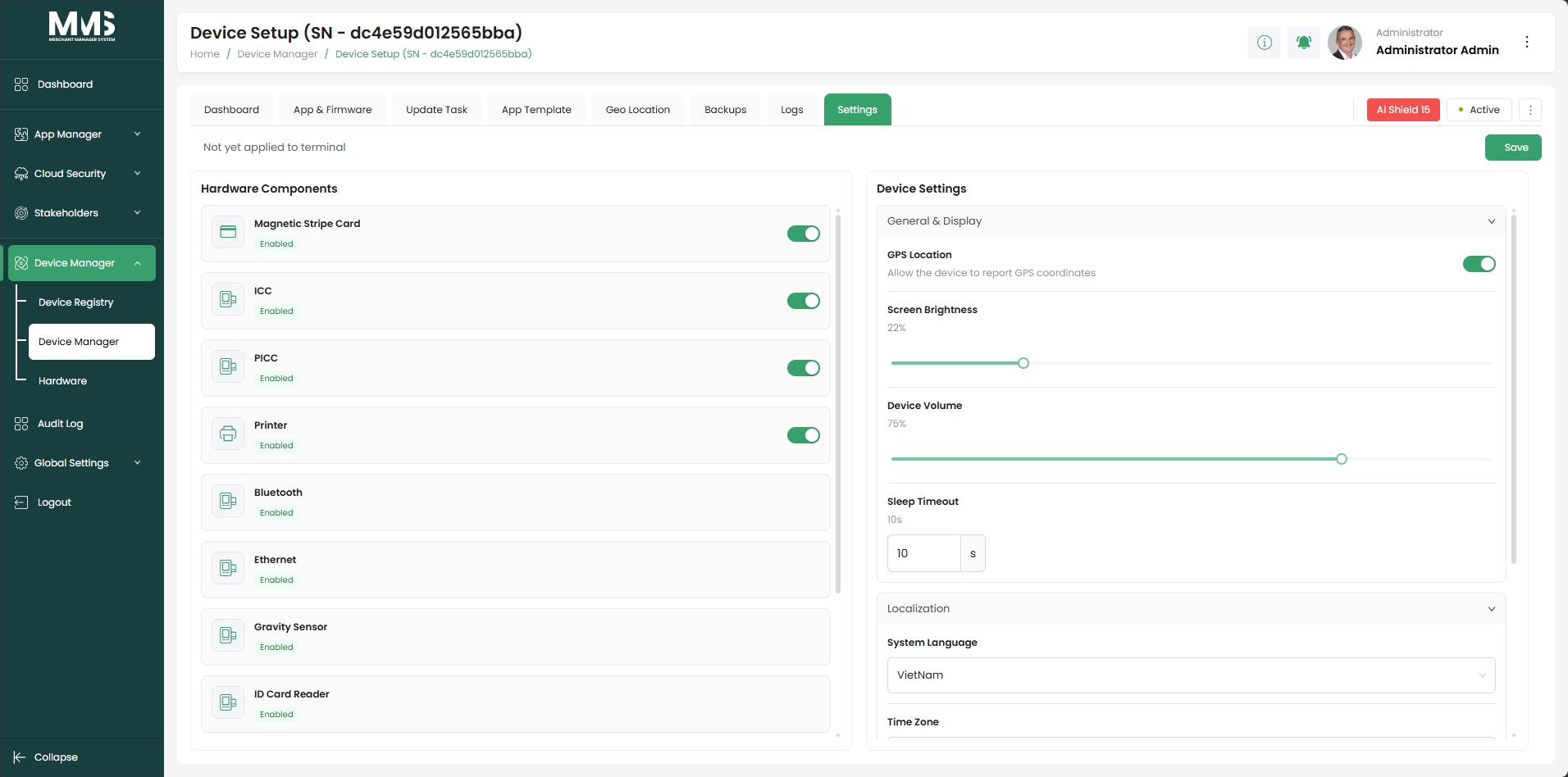
Settings (p.48)¶
Configure device-specific parameters — operational and system settings unique to this device.
Linked pages¶
- device-manager — parent overview page
- ../specs/mms-userguide-v2.5 — User Guide §3.2.6
- ../specs/mms-features-v2.5 — Features doc §5
- app-manager — app versions and templates applied via App & Firmware and App Templates tabs
- global-setup — file cleanup policy governs Backups and Logs retention
- audit-log — system-level audit logs (distinct from per-device Logs)
Screenshots¶
Status history¶
- 2026-05-27 — all 8 tabs ingested from features doc v2.5 (all "Completed") → shipped
- 2026-06-03 — tab details documented from
raw/specs/MMS_UserGuide_v2.5.0.0.docx§3.2.6; page split fromdevice-manager.md