Location Tree¶
Source PDF page(s): 33 (of raw/specs/MMS features v2.5.pdf)
User Guide section: §3.2.2 (of raw/specs/MMS_UserGuide_v2.5.0.0.docx)
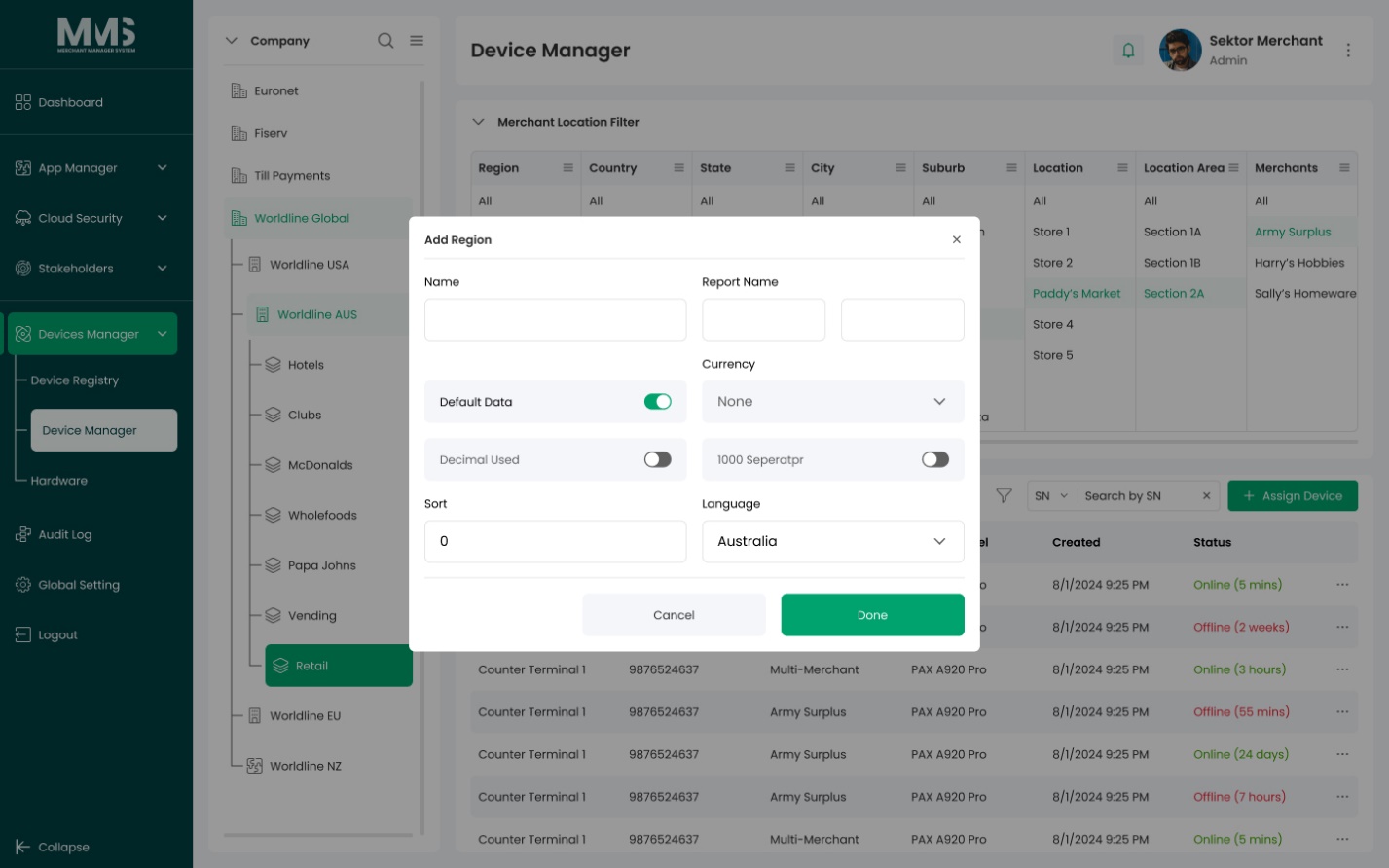
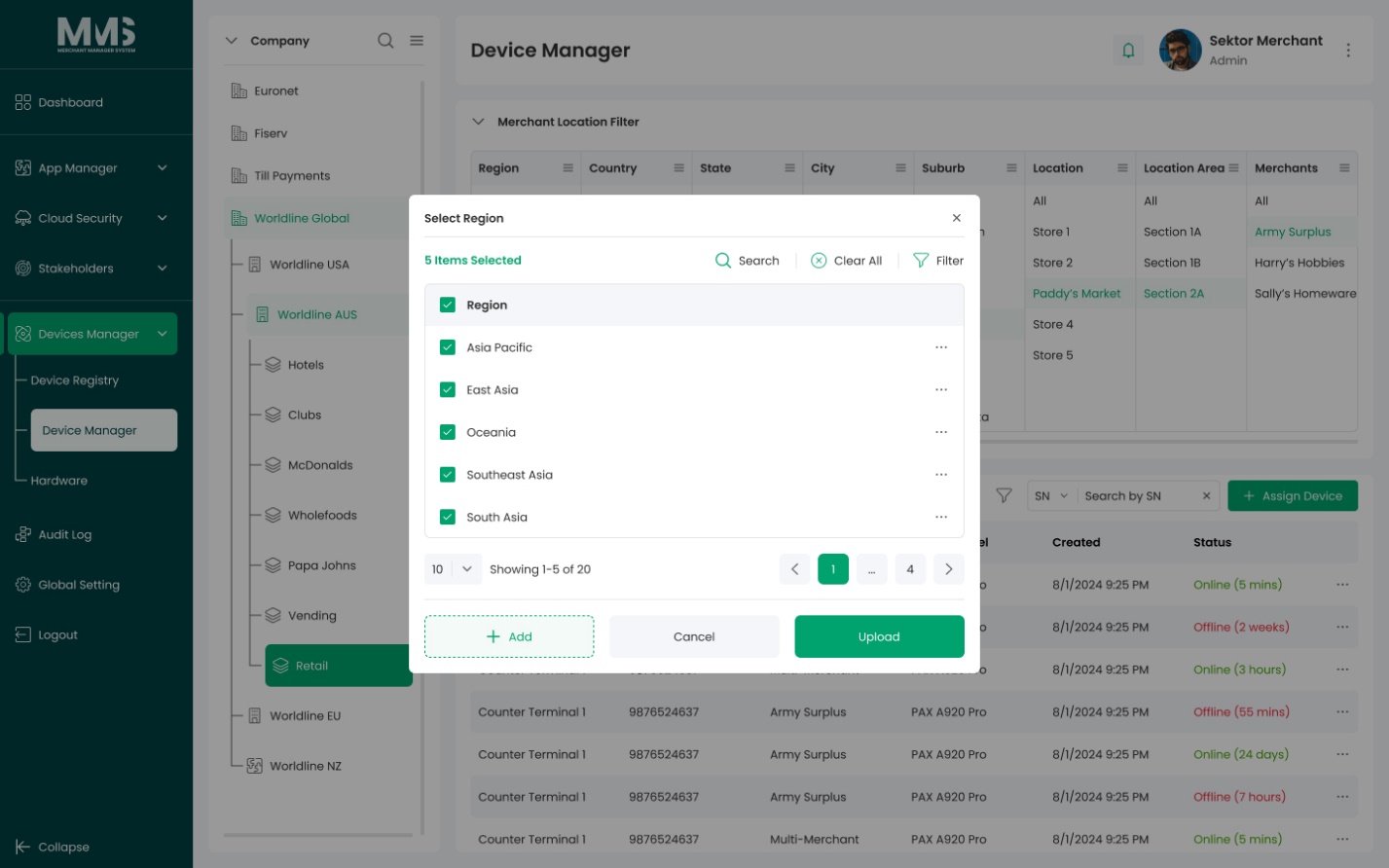
Summary: Manage hierarchical physical or logical locations — used to organize devices by area, support location-based filtering, and scope device assignments. Supports single-merchant and multi-merchant location types.
Status: in-development
Merchant Location Filters are still in progress per ../specs/mms-features-v2.5 §5.
Why¶
Locations provide a physical/logical grouping layer for devices independent of the company hierarchy. They enable area-based filtering in Device Manager and support multi-merchant location scenarios. See ../specs/mms-features-v2.5 §5 and ../specs/mms-userguide-v2.5 §3.2.2.
What¶
- Hierarchical location structure (root → locations → sub-locations).
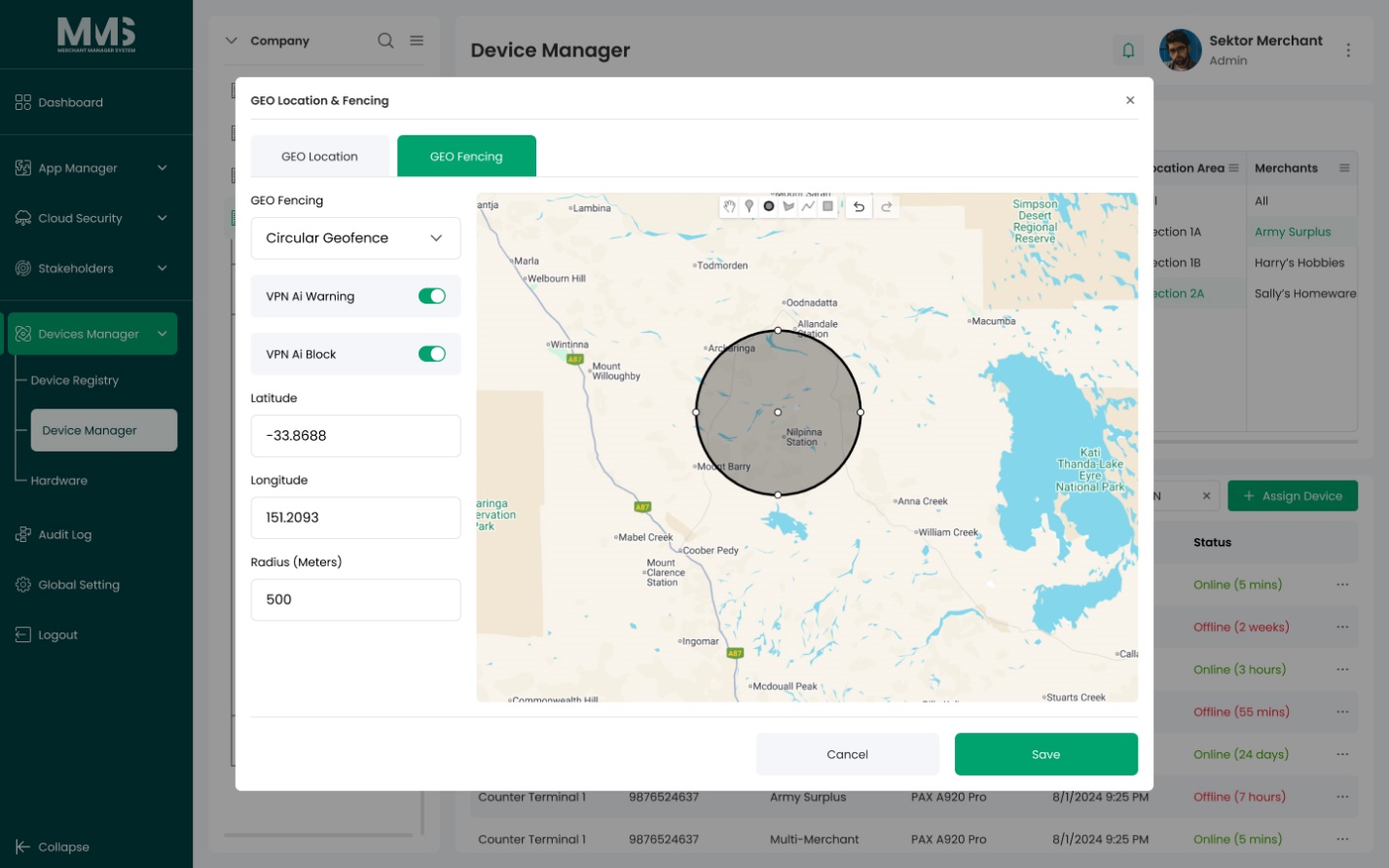
- Organize and locate devices by location area.
- Integrate with Device Manager for location-based assignment.
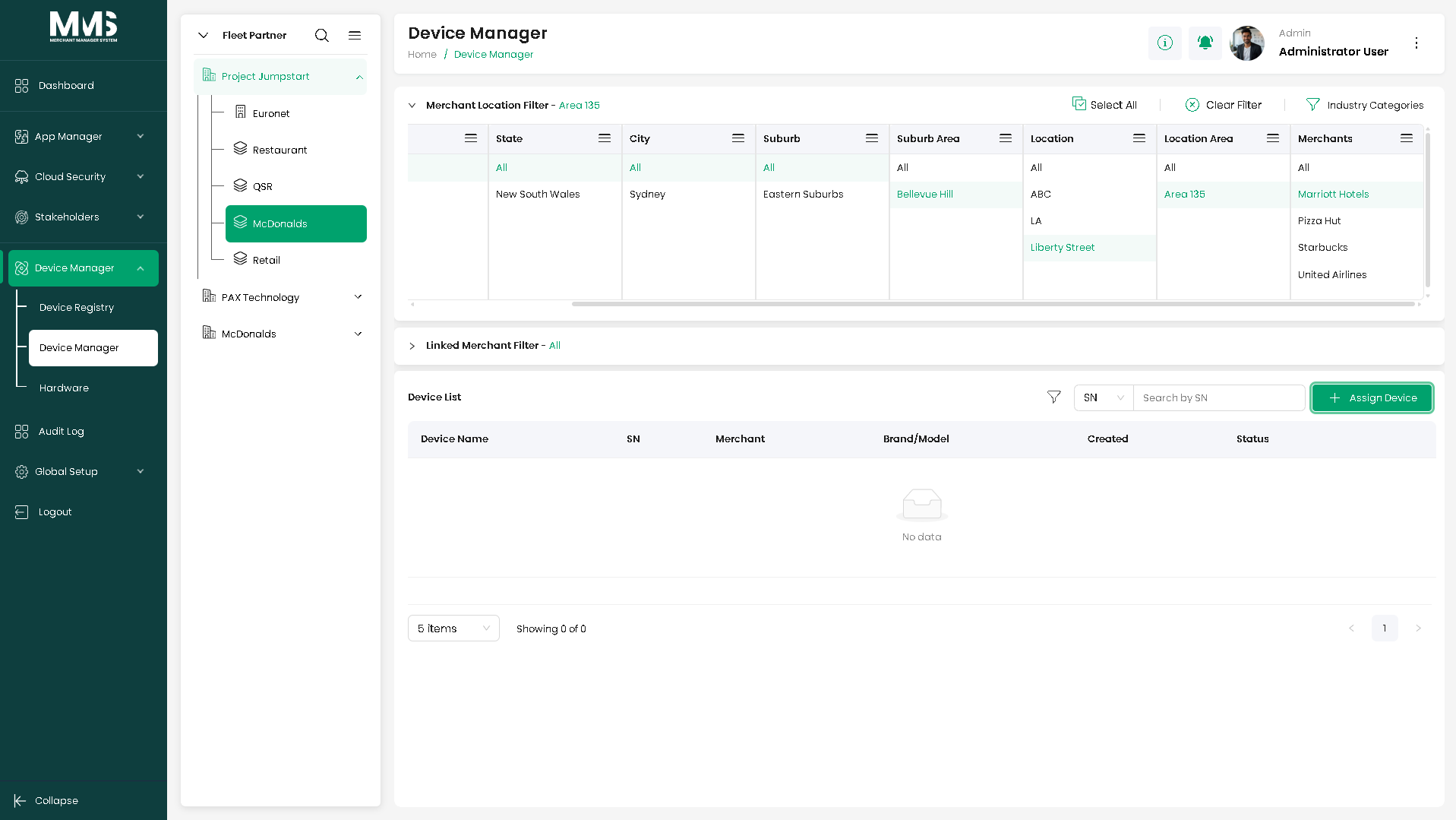
- Location-based filters for viewing devices at a specific location.
- Single-Merchant Location: a location associated with one merchant.
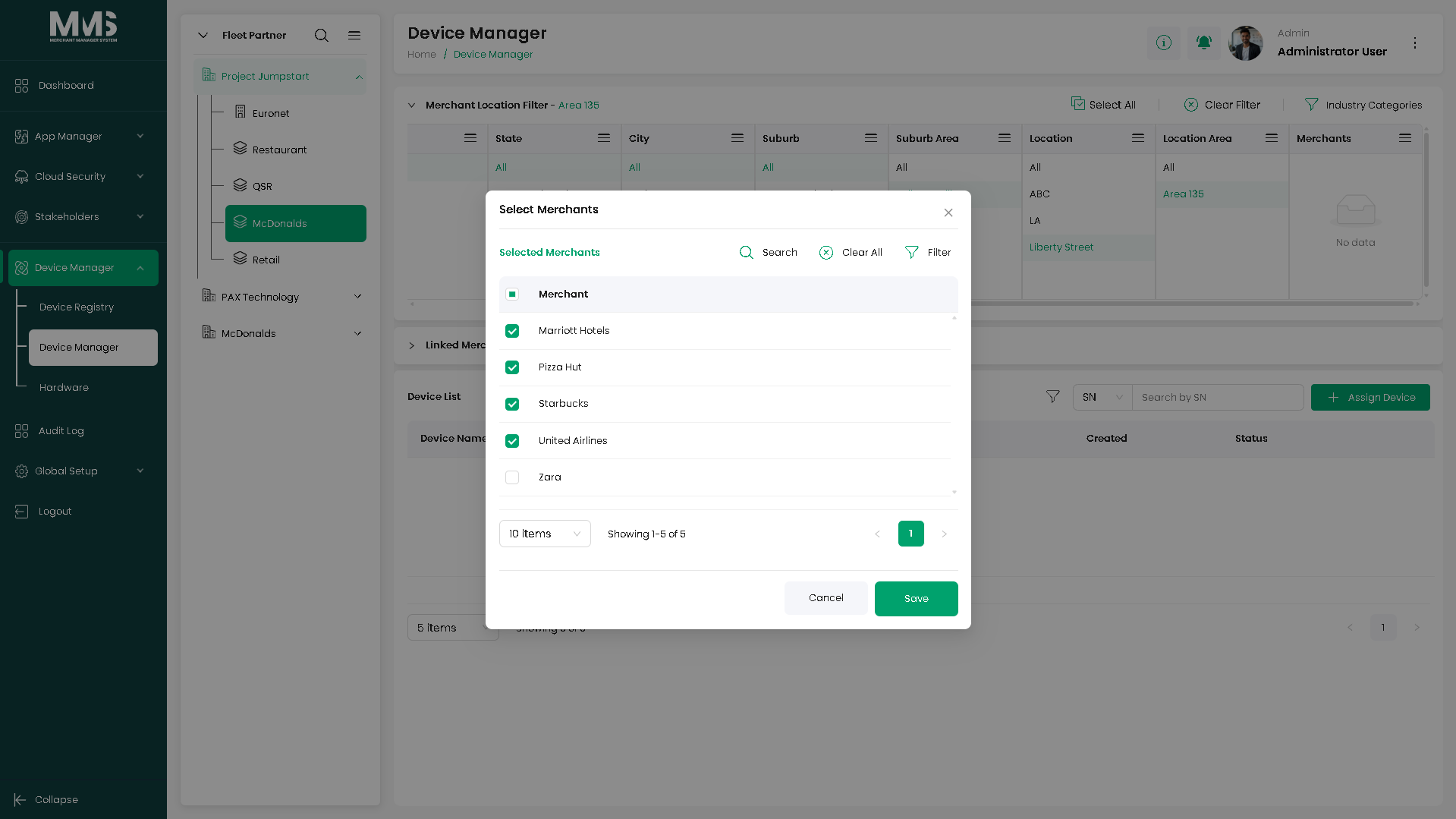
- Multi-Merchant Location: a location associated with multiple merchants within the same location area.
Steps¶
Create a location¶
- Navigate to the Location Tree page.
- View the hierarchical structure of locations.
- Select a parent location (or root level for a top-level location).
- Click Add.
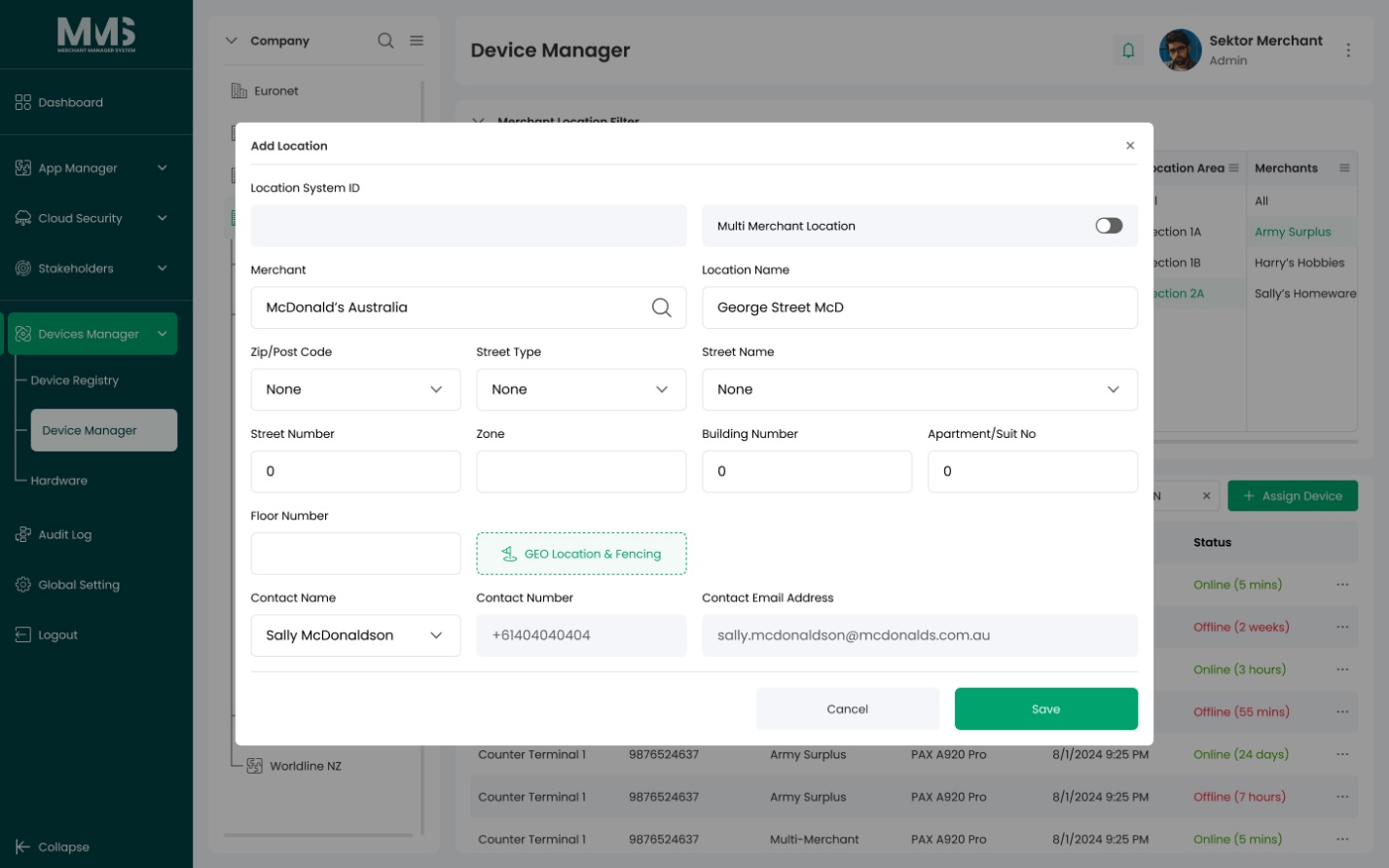
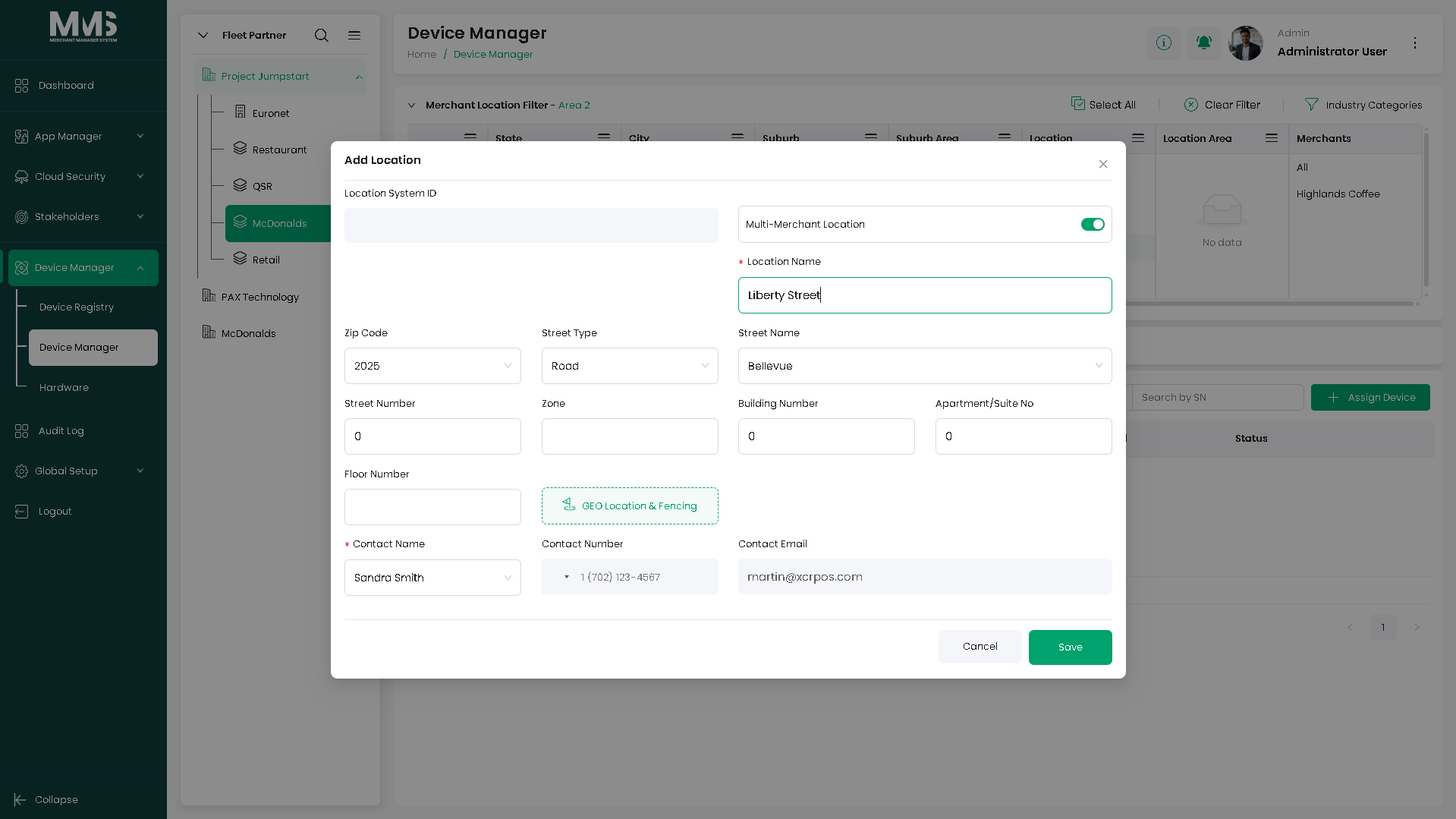
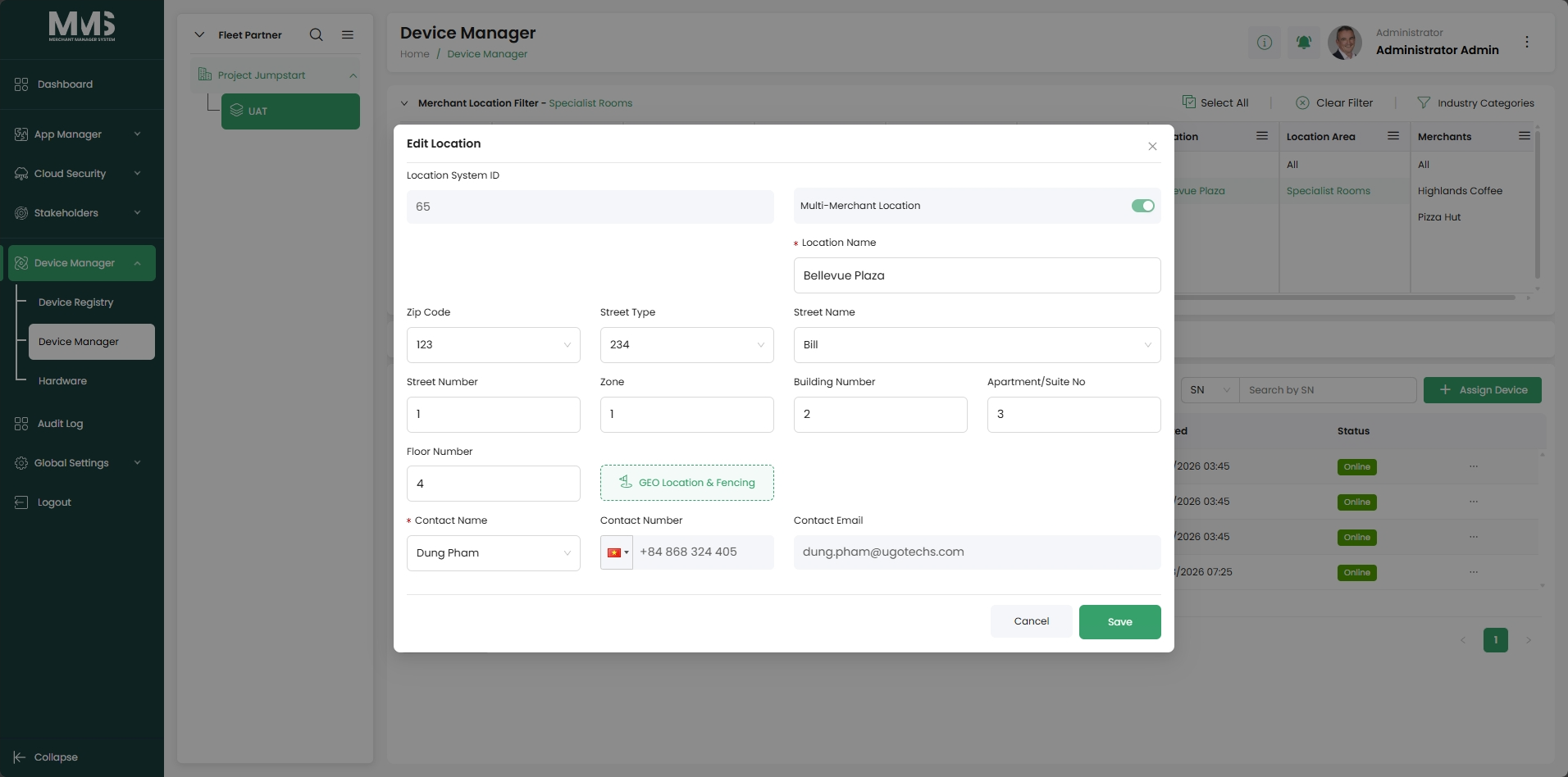
- Enter location information (e.g., location name and details).
- Choose the location type:
- Single Merchant: select one merchant for this location.
- Multi-Merchant Location: select multiple merchants within the location area.
- Click Save to add the location to the hierarchy.
Manage existing locations¶
- Select an existing location to view or update details.
- Edit location information as needed.
- Create sub-locations under a selected location if required.
Use the location tree in Device Manager¶
- Apply location selection when assigning devices in device-manager-assign-device.
- Use location-based filters in Device Manager to view devices by specific location.
Notes¶
- Multi-Merchant Location allows multiple merchants to share a single physical location area, which is useful for shared spaces (e.g., a shopping centre with multiple tenants).
Linked pages¶
- device-manager — parent overview page
- ../specs/mms-userguide-v2.5 — User Guide §3.2.2
- ../specs/mms-features-v2.5 — Features doc §5
- device-manager-assign-device — location selected during device assignment
- device-manager-linked-merchants — linked merchant groups associated with locations
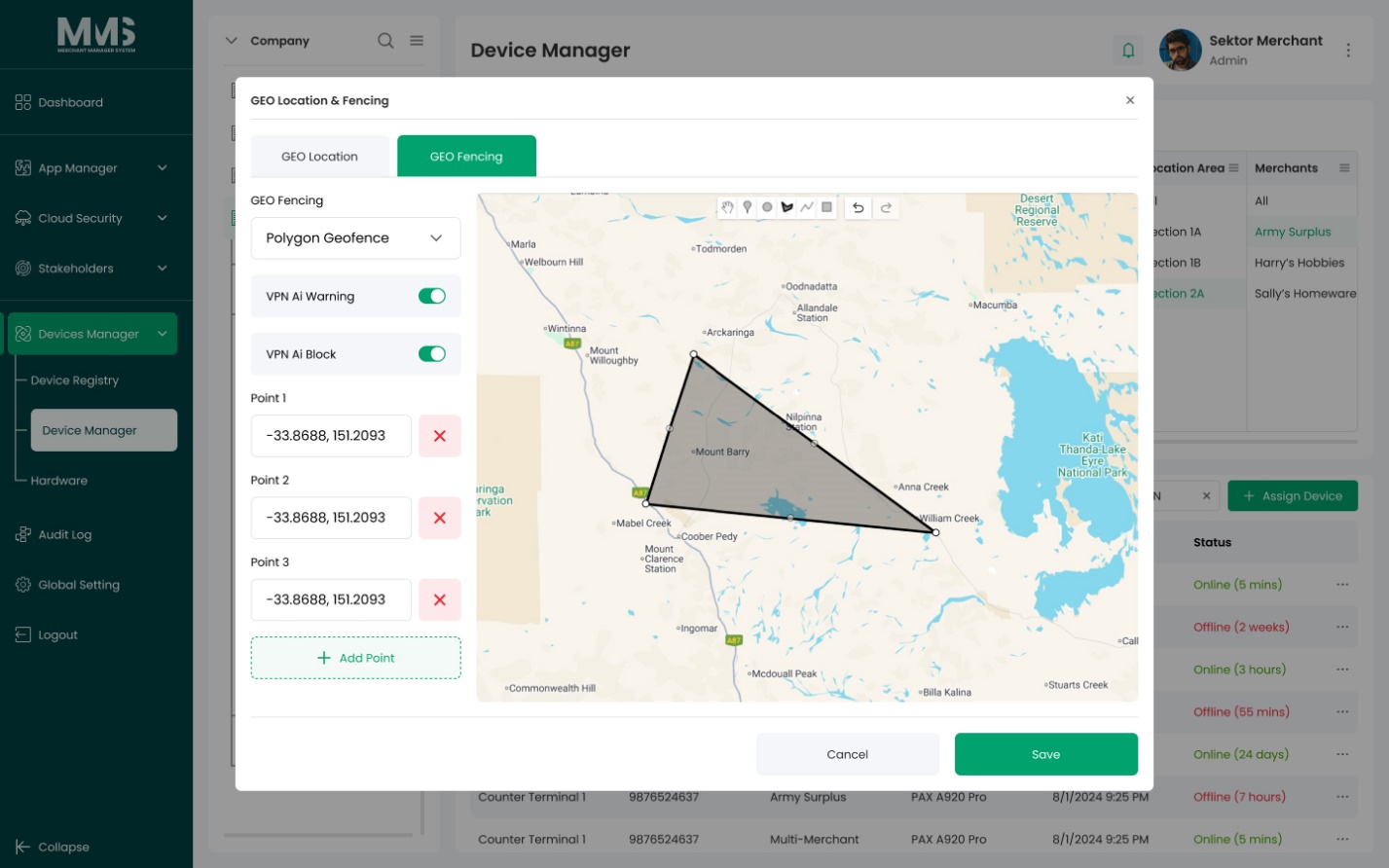
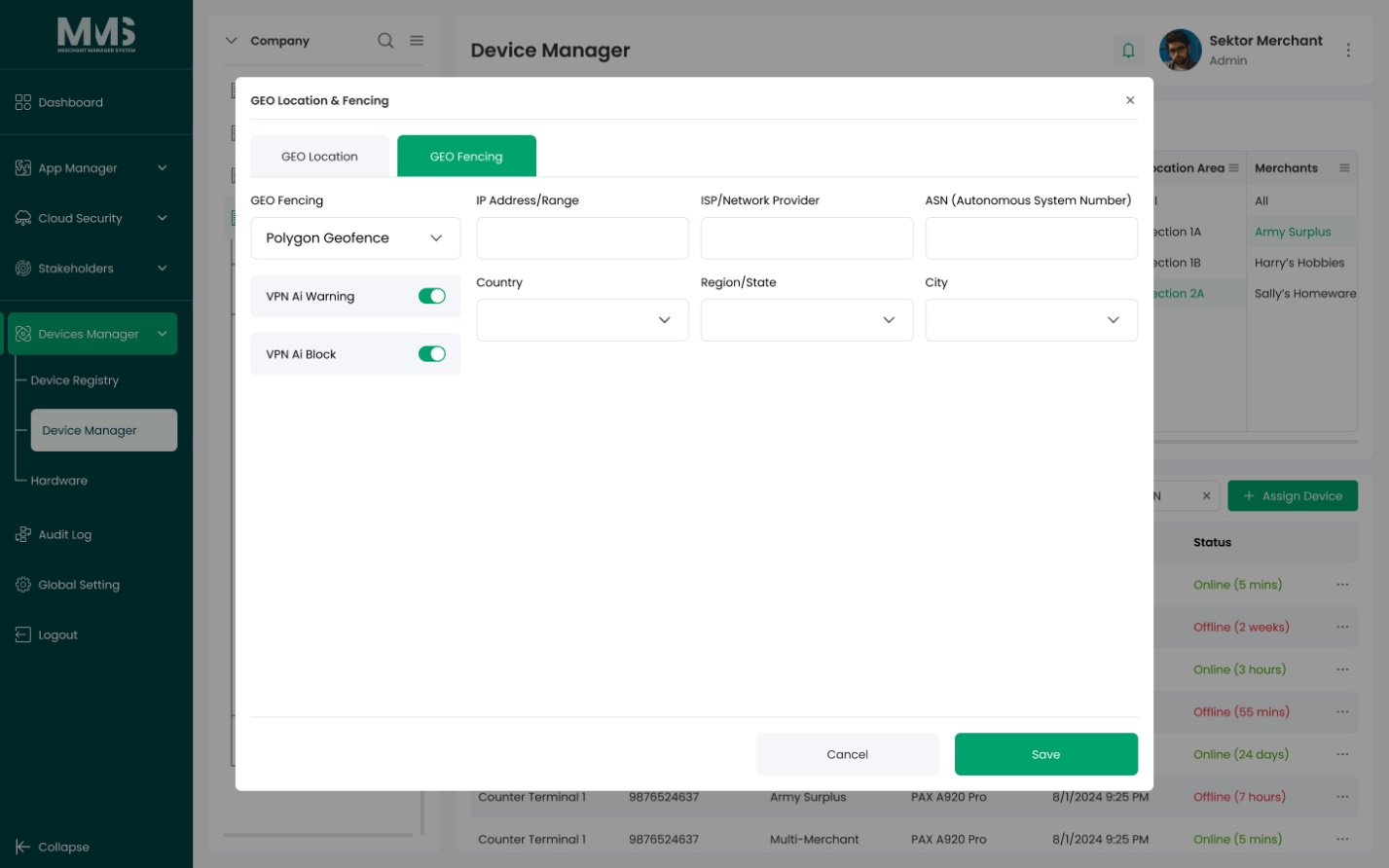
Screenshots¶
Status history¶
- 2026-05-27 — capabilities ingested from features doc v2.5 (Location Tree "In Progress — Merchant Location Filters") → in-development
- 2026-06-03 — step-by-step user guide added; Multi-Merchant Location option documented from
raw/specs/MMS_UserGuide_v2.5.0.0.docx§3.2.2; page split fromdevice-manager.md