Login & User Authentication¶
Source PDF page(s): 6–7 (of raw/specs/MMS features v2.5.pdf)
User Guide section: §1 (of raw/specs/MMS_UserGuide_v2.5.0.0.docx)
Summary: Lets users securely access MMS with admin-provided credentials, OTP email verification, and company/merchant selection scoped to their permissions.
Owner: Martin (project lead — confirm feature owner)
Status: shipped
Why¶
Secure, role-scoped access is the entry point to every other MMS module. Access to system functions is restricted by the user's role and company scope. See MMS Features v2.5 §1.
What¶
- Email/password authentication using admin-provided credentials.
- OTP verification via email.
- Company/merchant selection based on the user's assigned permissions.
- Support for access to multiple companies and merchants.
- Role-based access control enforced across system features.
Steps¶
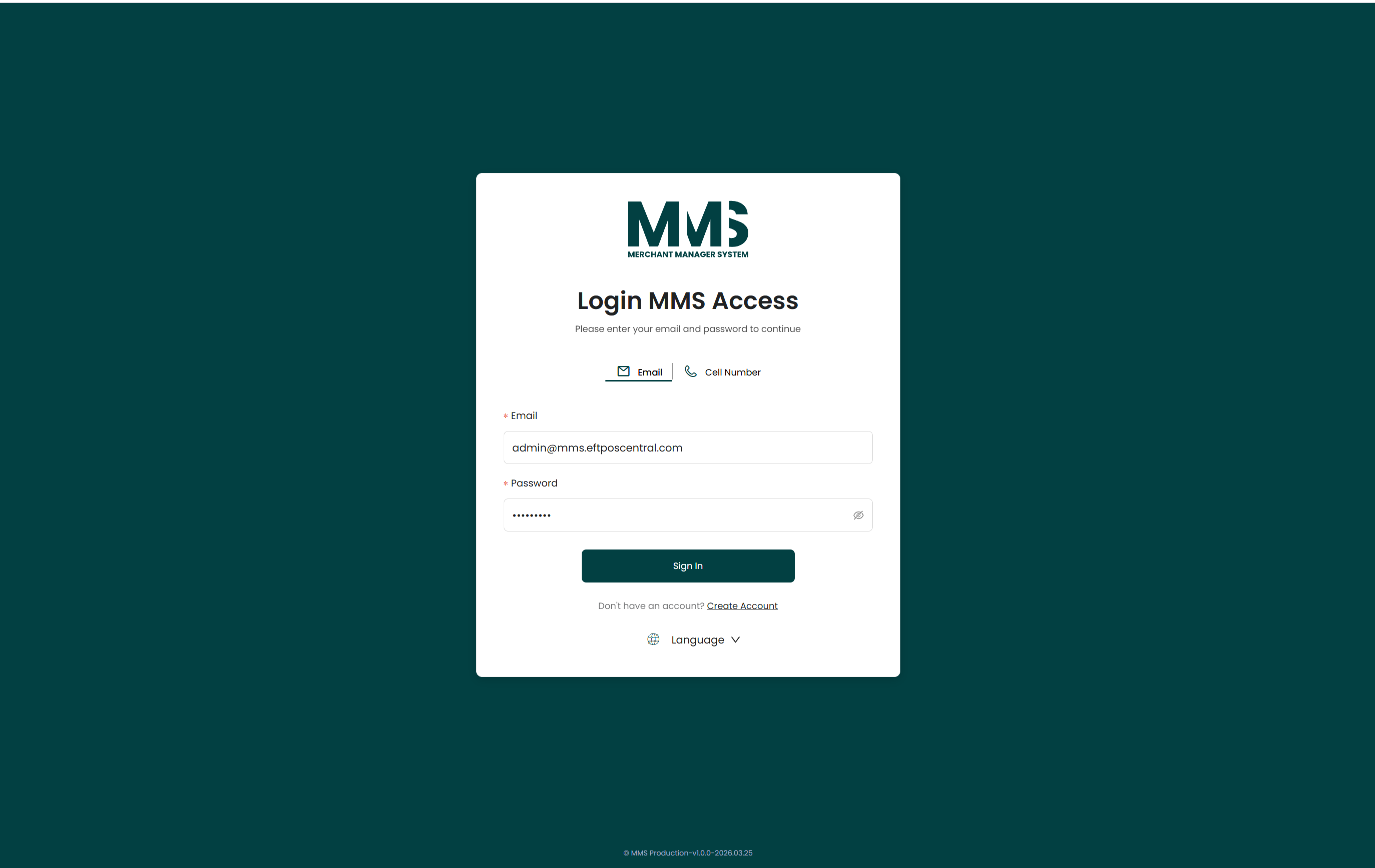
- Open the system login page.
- Enter Email and Password.
- Click Login.
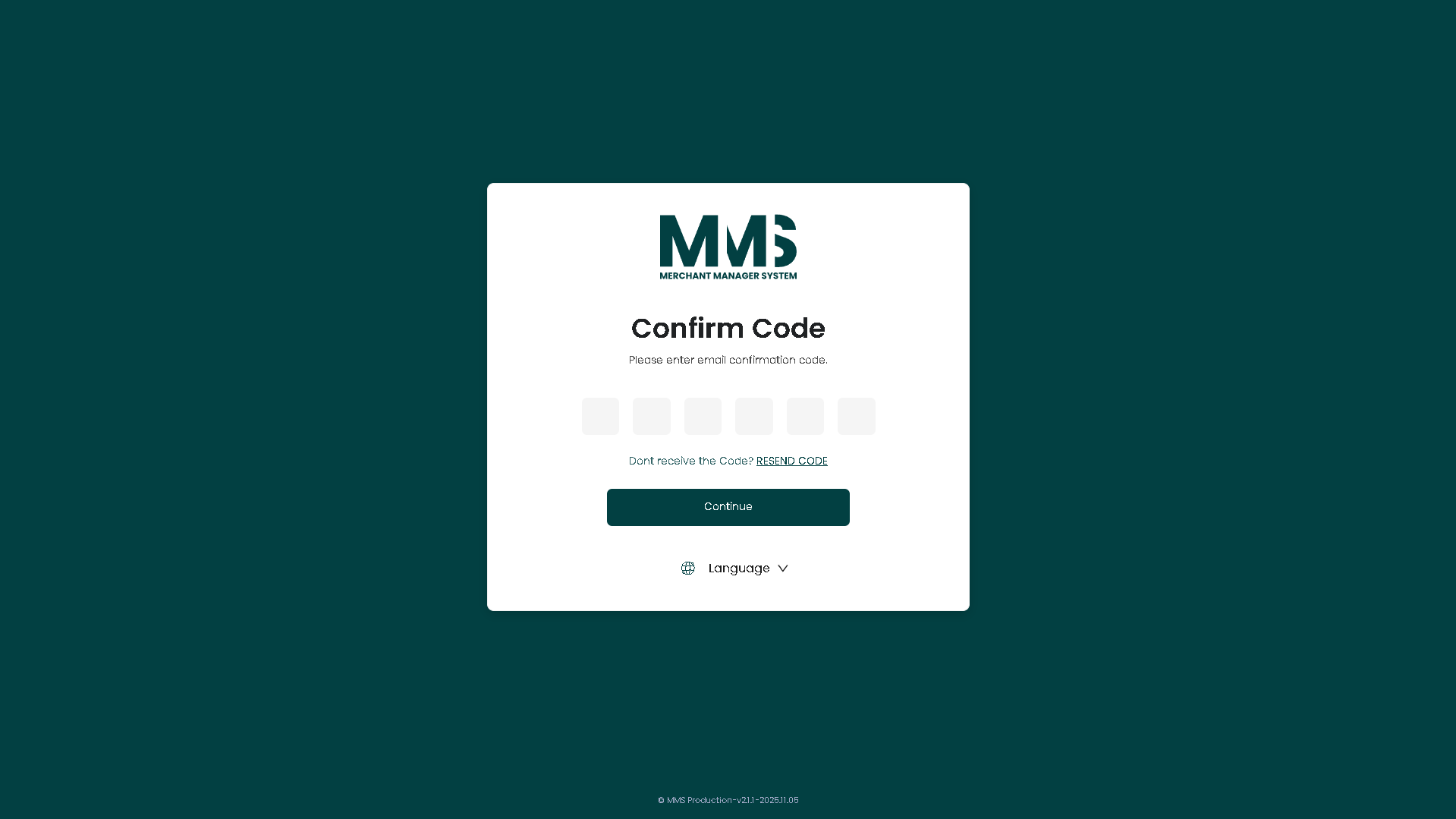
- Enter the OTP Code received via email.
- Click Verify.
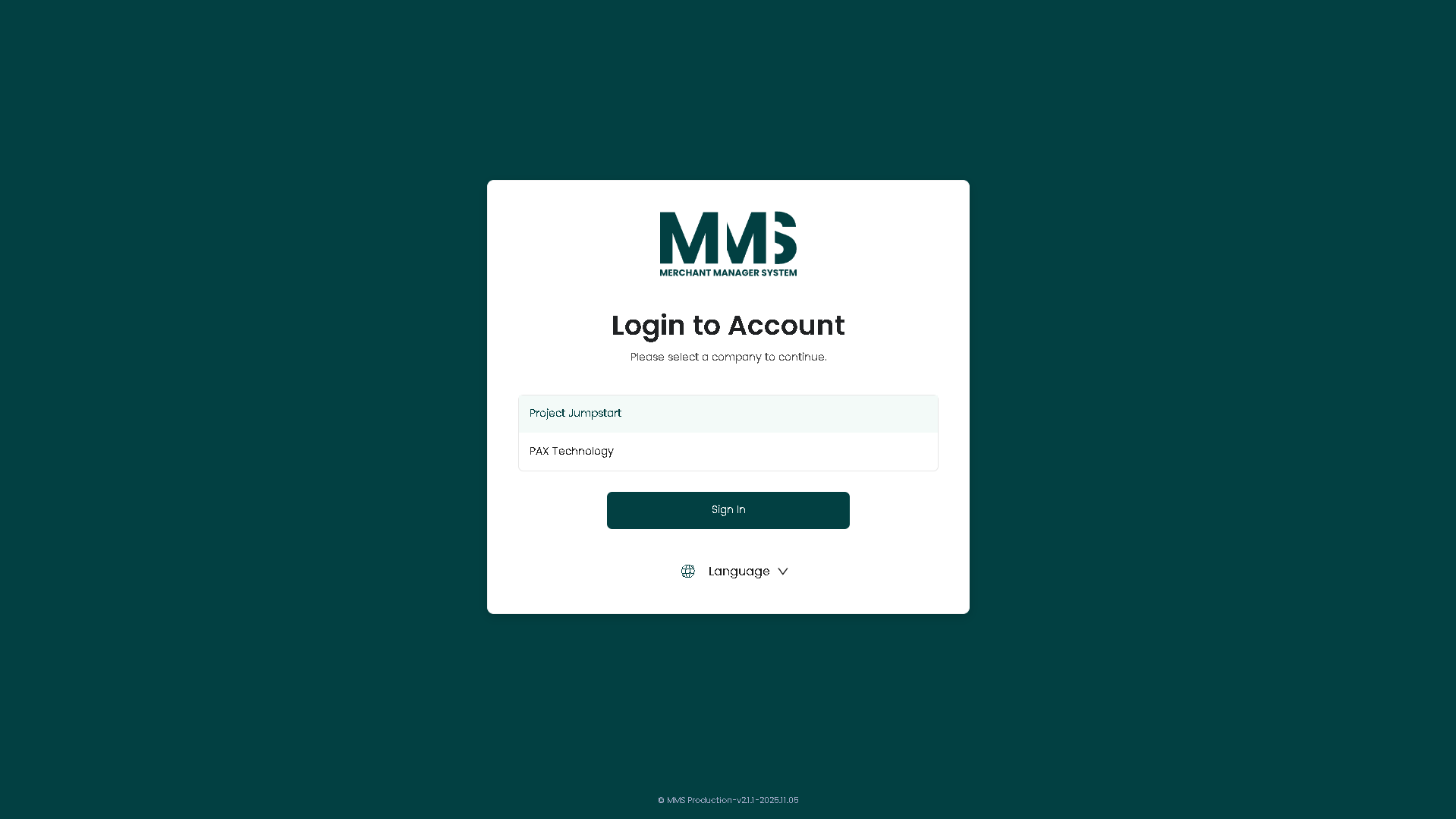
- If the account has access to multiple companies:
- Select the desired Company.
- Click Continue to access the system.
UAT test credentials¶
For UAT environment only — do not use in production.
| Field | Value |
|---|---|
admin@mms.com |
|
| Password | Admin123@ |
| OTP Code | 290993 |
Notes¶
- OTP may be fixed (as above for UAT) or dynamically sent via email in production.
- Contact the administrator if login fails or OTP is not received.
Out of scope¶
Detailed authentication implementation (token formats, session internals) — not covered by the source document.
Acceptance criteria¶
- [x] Users authenticate with admin-provided email/password.
- [x] Identity verified via OTP email.
- [x] Users can access multiple companies/merchants per assigned permissions.
- [x] Role-based access control enforced across features.
Linked pages¶
- ../specs/mms-features-v2.5
- ../specs/mms-userguide-v2.5 — User Guide §1
- cloud-security — provides the role templates enforced at login
- stakeholders — Person records and permissions
Screenshots¶
Status history¶
- 2026-05-27 — ingested from features doc v2.5 with status "Completed" → shipped
- 2026-06-03 — step-by-step login flow and UAT credentials added from
raw/specs/MMS_UserGuide_v2.5.0.0.docx§1