Device Registry¶
Source PDF page(s): 28 (of raw/specs/MMS features v2.5.pdf)
User Guide section: §3.1 (of raw/specs/MMS_UserGuide_v2.5.0.0.docx)
Summary: Register and maintain device master records before assigning them to companies, locations, or merchants for operational use.
Status: shipped
Why¶
Devices must be registered in the system before they can be assigned or configured. The registry serves as the hardware master list. See ../specs/mms-features-v2.5 §5 and ../specs/mms-userguide-v2.5 §3.1.
What¶
- Register and manage device records.
- Core device attributes: serial number, brand, model, owner/organization.
- Track registered devices prior to assignment and activation.
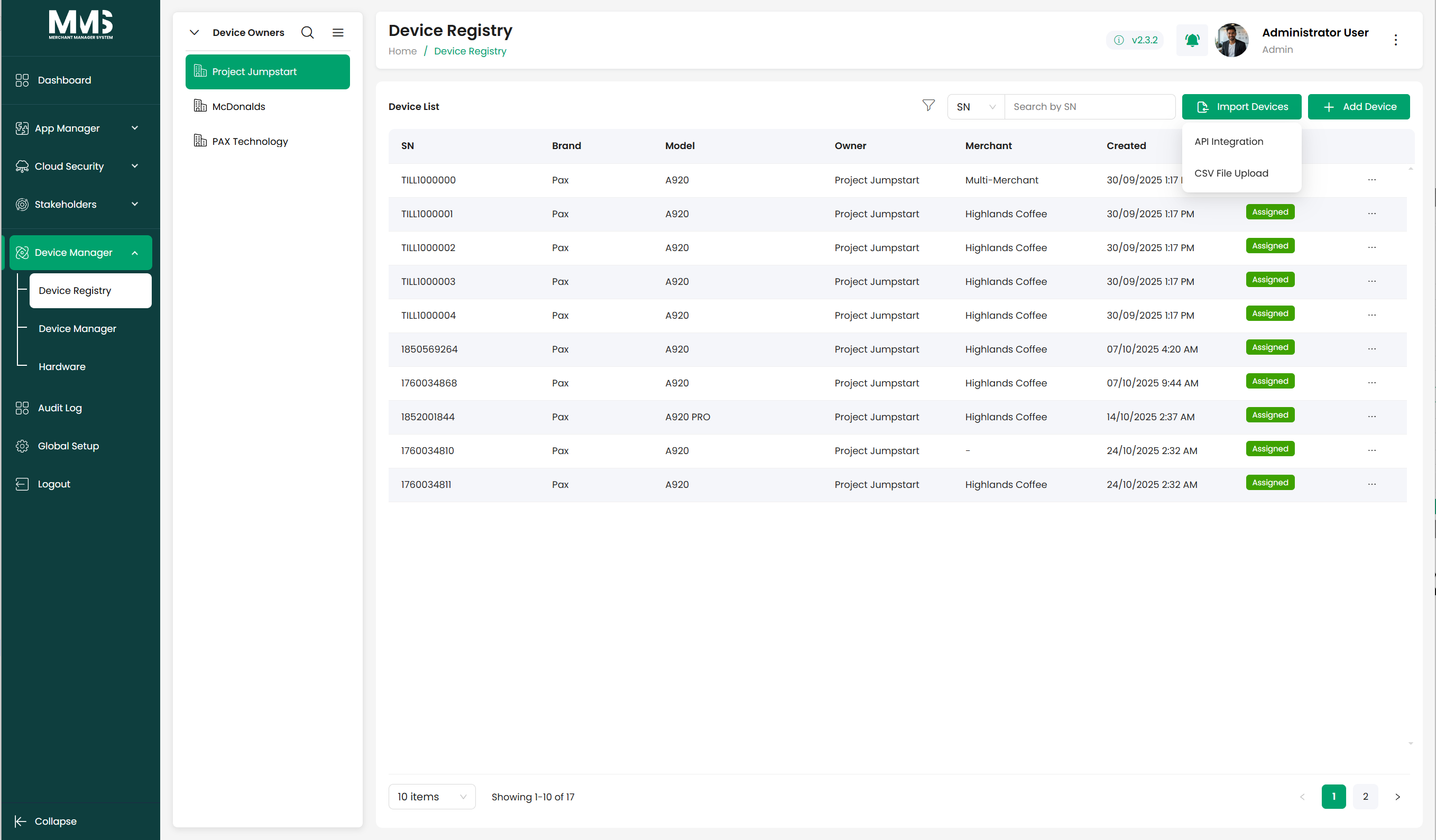
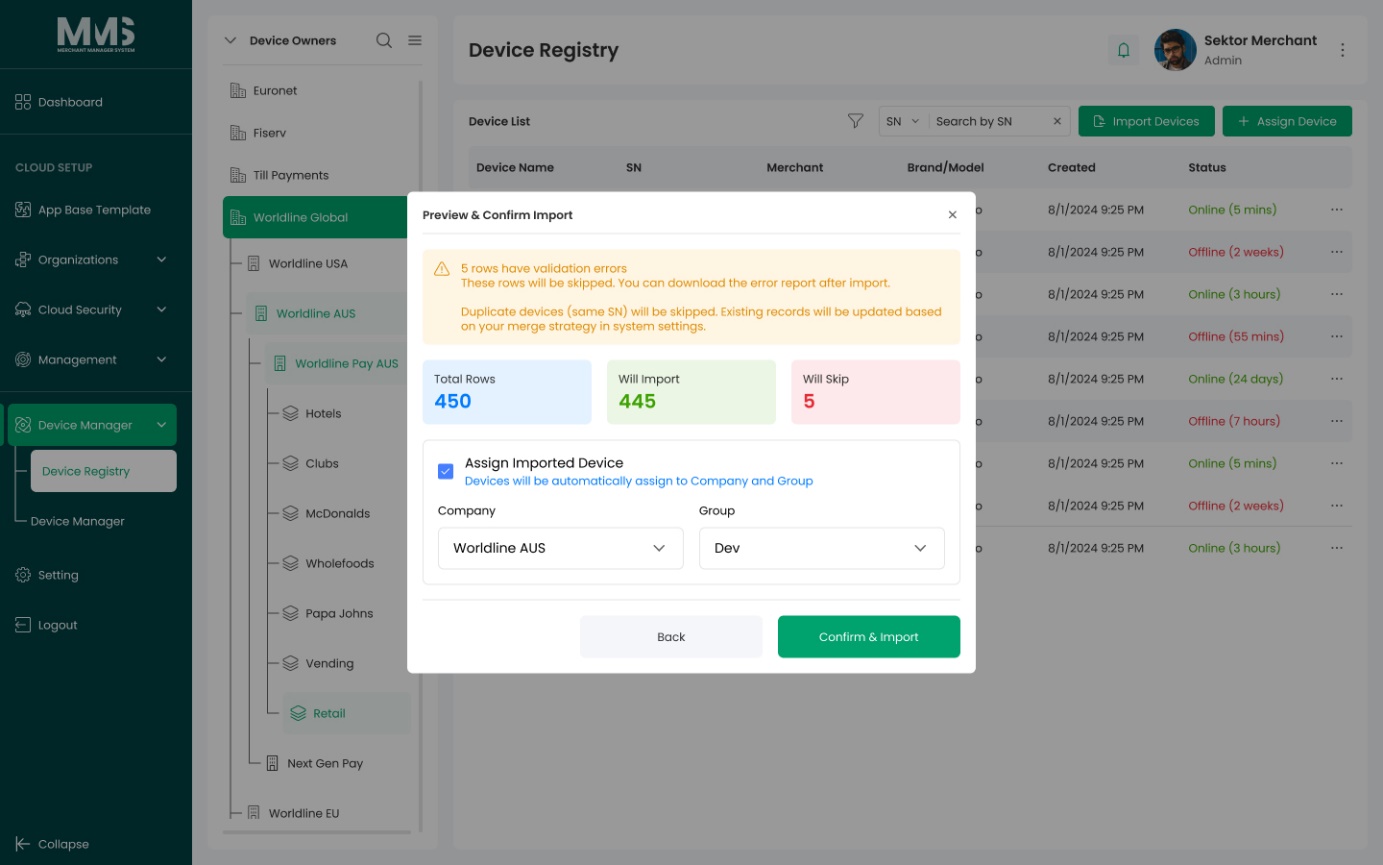
- Import devices in bulk via CSV file or MAXSTORE API integration.
Steps¶
Register a single device¶
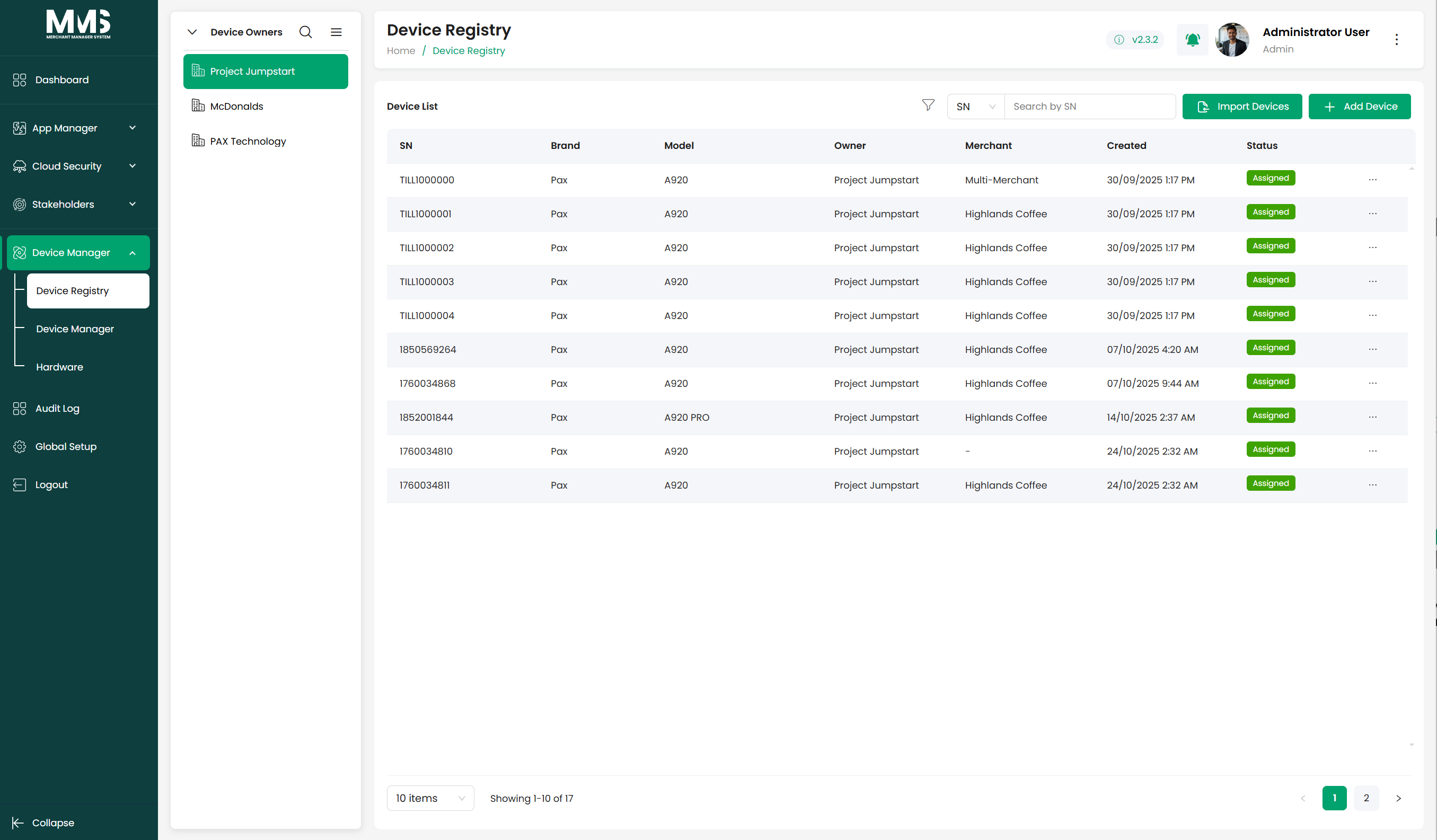
- Navigate to the Device Registry page.
- View the list of registered devices.
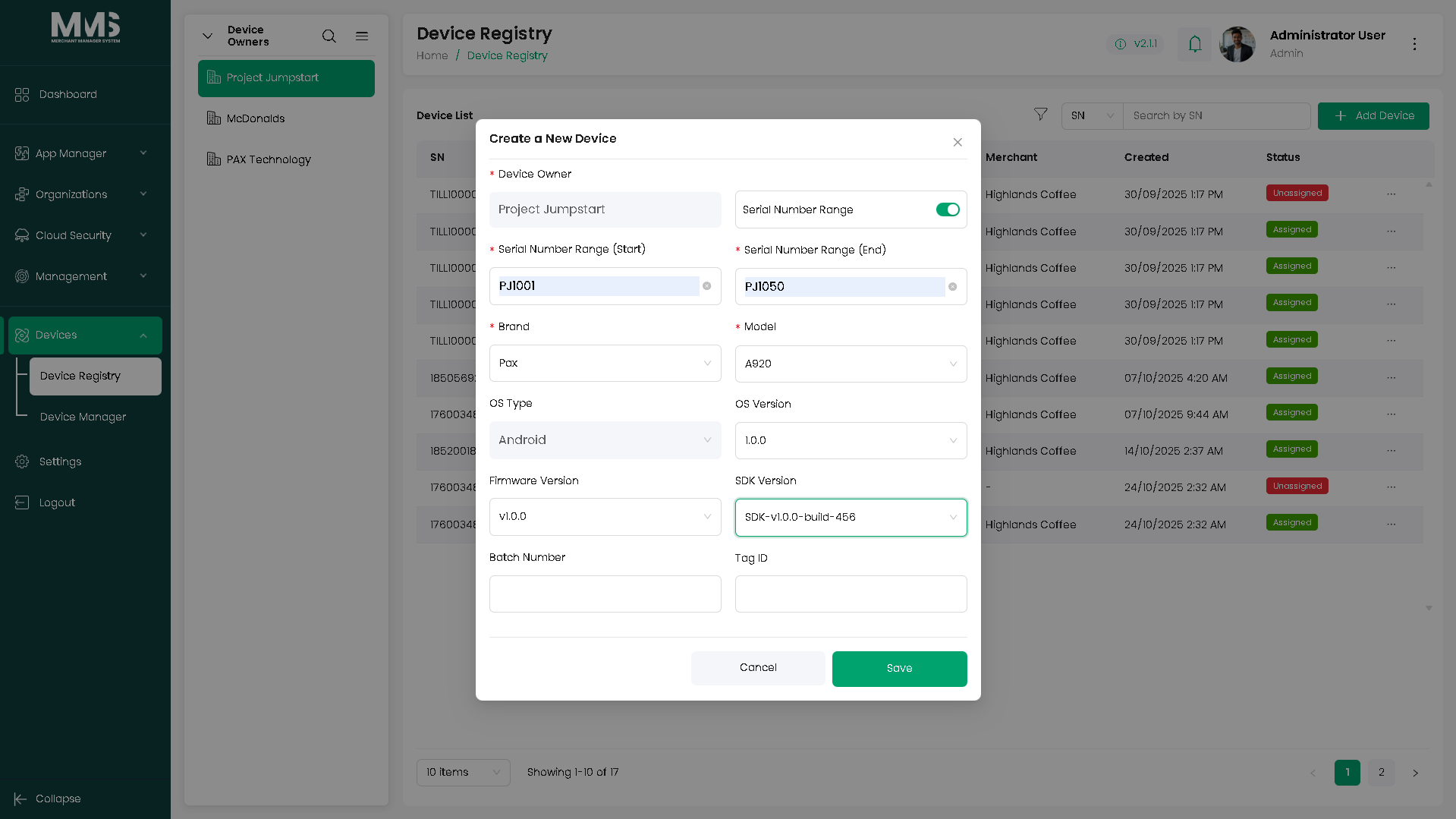
- Click Add Device.
- Enter device information:
- Serial number
- Brand and model
- Owner or organization (optional)
- Click Save.
Import devices in bulk¶
- CSV file: upload a CSV containing device records.
- MAXSTORE API: use the MAXSTORE API integration to pull in device data.
Manage existing devices¶
- Select a device from the list to view or update details.
- Edit device information as needed.
- Review registered devices before proceeding to assignment or activation.
Linked pages¶
- device-manager — parent overview page
- ../specs/mms-userguide-v2.5 — User Guide §3.1
- ../specs/mms-features-v2.5 — Features doc §5
- device-manager-assign-device — next step after registration
Screenshots¶
Status history¶
- 2026-05-27 — capabilities ingested from features doc v2.5 (Device Registry "Completed") → shipped
- 2026-06-03 — step-by-step user guide added from
raw/specs/MMS_UserGuide_v2.5.0.0.docx§3.1; page split fromdevice-manager.md